Date of last update: 2013-02-21
In the beginning of 2013 Opera announced to use WebKit instead of their own parser, therefore the chapter seems to be finished now with Opera 12.x. If the first Opera-WebKit version is published, I will decide, if I continue to publish regressions compared to old Opera versions or new bugs. In general for WebKit there are already resources for bug information and the project is more complex, therefore not sure, if I will start to report bugs to WebKit.
SVG, test-suites and Opera
Operas fixed bugs history of SVG
(if you miss an identifier on this page, it is maybe moved to this page)
Up to now, unfortunately the test-suites of W3C for SVG are not very detailed. A lot of SVG-features can not be tested with them, but nevertheless, they are part of the specification. So we need to help developers with simple examples, what is not working yet, but should, according to the specification. I tried to reduce errors to minimal and essential examples, maybe helpful to test other user-agents too.
(Ich bin)
Ein Teil von jener Kraft,
Die stets das Böse will und stets das Gute schafft. ...
Ich bin der Geist, der stets verneint!
Mephistopheles, Johann Wolfgang Goethe (Faust I, Studierzimmer, 1335ff)
Opera 8.x was published with the ability to support the tiny profile of SVG 1.1 and Opera claims, that
Opera9 supports the profile basic of SVG 1.1 since the version beta 1 (published 2006-04-11, build 236).
Of course, this is not completely true, there are several errors and gaps for both profiles. And
even in Opera 9 there are errors and gaps in the support of the tiny profile. There is
still a lot of work and many errors and gaps to find and to be fixed - lets get them!
Opera published lists of supported parts of SVG for
Opera9 (This is build 344 from 2006-06-16, just for comparsion).
These lists contain some further gaps, not mentioned here. Some points in these lists
are not consistent with errors and gaps noted here, mainly because these lists are less detailed as a
systematic test of these features. Maybe we can take it as lists, Opera believes, these features should
work (or it is already known, that they do not work yet). Deviations between real behaviour and these
lists seem to be worth to report to Opera, either to correct the lists or the behaviour.
For animation I offer a special test area with a systematic test ensemble for animation of SVG. Tests will be continued until I give up or it will work ;o)
For users and authors:
Do not blame anybody, if you have not even read the specifications.
And you have to read the specification carefully and you have to distinguish
between different profiles and versions.
Note, that SVG tiny or SVG basic cover just a large part of SVG, but not everything,
so it is not an error, if features of SVG are not supported, that are not included in SVG tiny
or SVG basic.
You have to read SVG mobile specification to optimize your files. Normally, SVG mobile just
refers to the SVG specification. You have to look carefully at the restrictions.
Opera 8 is already able to support a few parts of SVG basic like opacity and parts of gradients,
the Opera 9 Technology Preview 1/2 support already more parts of of SVG basic like tspan,
parts of text on a path, filters, for them the author has to try examples, what already
works and what is incomplete and contains errors. Opera 9 beta 1 is expected to support the
basic profile completely. For Opera 9.50 (alpha etc) is noted, that it supports parts of SVG tiny 1.2 too.
Often it is easy to reduce SVG documents to SVG tiny. For example instead
of CSS you have to use almost the same presentation attributes of SVG and you can collect
elements with the same values of attributes in groups to define something like
CSS classes. Instead of animation with (ecma-) scripts declarative animation can be used,
not just with SVG tiny, but with deactivated scripting and full SVG support, too.
So in many cases the accessibility with more user agents gets better with a
reduction to SVG tiny.
All examples were tested on Debian-Linux (stable) with the static versions, most of them tar.gz
Severity: specification violation SVG tiny 1.1
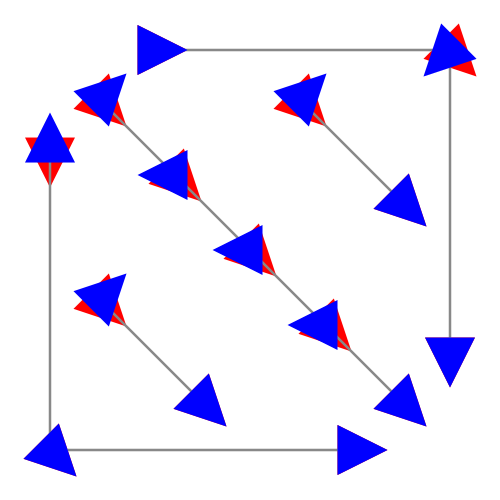
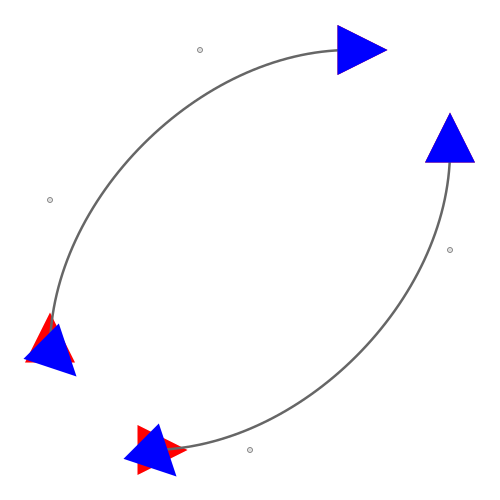
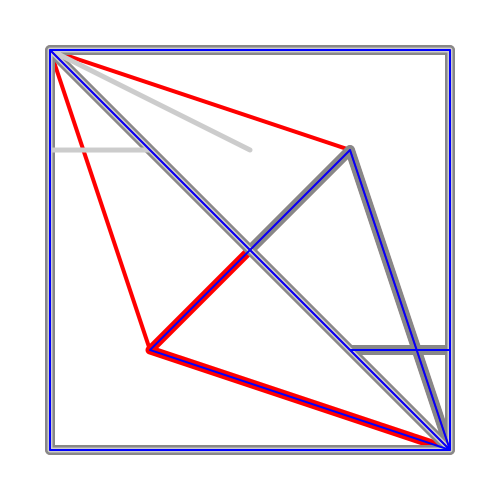
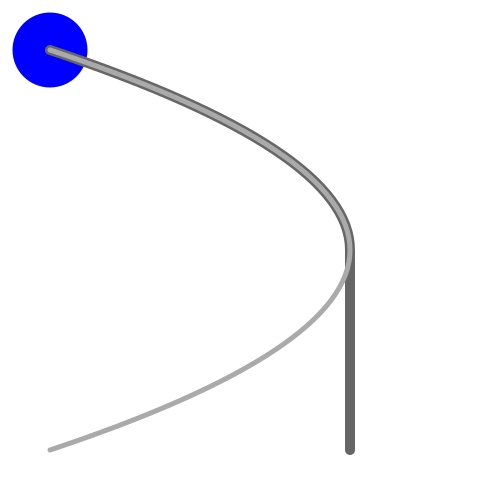
Description: wrong timing for animateMotion if the path contains more than one M command and keySplines are used
Example:
animateMotion with keySplines
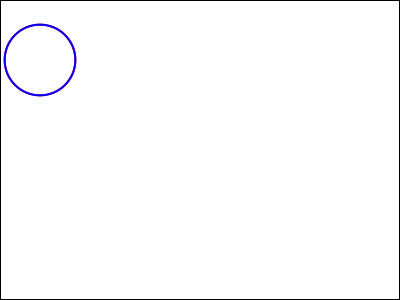
A blue stroked circle is moved with
animateMotion using calcMode spline and keySplines.
A parent group is animated linear with values animateMotion
as a time axis to get to get a simple comparison.
The resulting trajectory is displayed within the active duration
as gray paths. These paths cover always completely the red fill
of the circle.
If the red center of the circle gets visible, an error is
occured.
The timing of the animateMotion is choosen in such
a way, that the keySplines correspond directly to a cubic
path as trajectory. The keySplines values have to be multiplied
only with the related path data and combined with the values of
the time axis, to get the new path data.
Comment: Ok for example in Firefox (2 to 13)
Severity: specification violation SVG 1.1, regression compared to 11.00.
Description: overflow ignored for symbol and image
Example:
Animation of the overflow property for a symbol
overflow and animated symbol element.
overflow is animated with the values hidden;visible;inherit;auto;scroll
for a symbol. The symbol contains a blue circle on a white rectangle,
which are both larger than the animated viewBox of the symbol.
The overflow animation starts at 5s. If it is visible or auto, the white
rectangle and the blue circle are not clipped. The timing is indicated with
a related text bottom left.
The area for the symbol defined by a use element is indicated with a thin
black stroked rectangle, if clipped, fragments of the symbol are only inside this
rectangle.
Comment: Ok with Opera 11.00 and earlier versions. DSK-372085
Severity: specification violation SVG tiny 1.1, regression compared to 11.00.
Description: animation of width and height of use ignored (values 0).
Example:
Animation of the width and height of a use
A defs element contains a g element with a rectangle and
a circle. It is referenced by an use-element.
The initial location of the use is x=100, y=100.
After 2 seconds for a duration of 2s the
width of the use is set to 0.
The shown circle and the rectangle
vanish for 2s.
After 6 seconds for a duration of 2s the
height of the use is set to 0.
The shown circle and the rectangle
vanish for 2s.
The fill of a small circle top left has an animation with the same timing for comparison.
Comment: Ok with Opera 11.00 and earlier versions. DSK-372083
Severity: specification violation SVG tiny 1.1, regression compared to 11.00.
Description: explicitely noted or implied fill remove ignored for animation with interactive end.
Example:
animated curve with fill remove, interactive end
Click or activate background to end animation.
Click or activate curve to begin animation.
At end the shape has to flip back to the initial shape.
Comment: Ok with Opera 11.00 and earlier versions, in Squiggle and Firefox (versions 8 for example, 9 and later ignore interactivity in general). DSK-372082
Severity: specification violation SVG tiny 1.1, regession in 11.60 compared to 11.00 and previous versions.
Description: end event ignored vor animation elements.
Example:
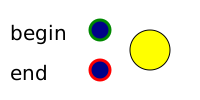
set with begin and end
click green stroked circle to begin and red stroke circle
to end fill animation of the large circle. The animation changes the
colour from yellow to grey.
Comment: Ok with 11.00 and previous versions of Opera and several other viewers. Opera 11.60 ignores the end event. DSK-365678
fixed in Opera12.11
Severity: specification violation SVG tiny 1.1, regession in 11.60 compared to previous versions.
Description: wrong repeated animation of fill-rule with value inherit.
Example:
fill-rule
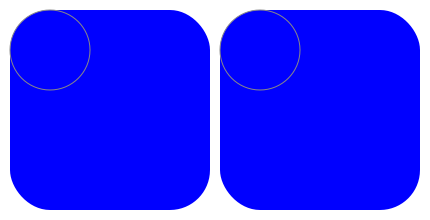
Discrete animate animation of the fill-rule property.
The light blue areas will be covered with dark blue
completely after 1.5 seconds and will be visible after
another 1.5 seconds and so on.
The right and the left rectangle change with the same timing,
but always with different fill-rule.
If something red becomes visible, an error is occured.
Comment: Ok with previous versions of Opera and several other viewers. Opera 11.60 fails on the right example on the second turn. DSK-355260
fixed in Opera12.11
Severity: altGlyph crashes Opera 11.60. regression compared to 11.50 and previous versions.
Description: The following example crashes Opera 11.60 immediately.
Example: altGlyph test DSK-355259
fixed in Opera12.11
Severity: specification violation SVG 1.1, regression compared to 11.50 and previous versions.
Description: If animated, new text-decoration does not replace previous, it is just added.
Example:
text-decoration
text-decoration changes in 10s from none to other values
after 3s (the last one, blink is optional).
For Opera 11.60 the old values remain, the new ones are added.
Expected is to replace the old value.
Comment: Ok with previous versions of Opera and several other viewers. DSK-355258
Severity: specification violation SVG tiny 1.1, regression compared to 9.0 to 9.2.
Description: If a use element referenced by other use elements is animated, replacing the used object due to a change of the xlink:href attribute, not all clones are replaced by the new object.
Example (SVG):
IFS Fractal-Ballet
Animated IFS Fractal (Iterated Function System).
A transformed use element is used as a base for an IFS.
After 10 seconds it switches from a square to a triangle,
then switching every 56.5s between these two shapes.
Opera 9.50 and later do not replace all squares with triangles.
Comment: Ok with Opera 9.0 to 9.2, the adobe plugin or Gecko 2.0 (Firefox 4). bug DSK-333369.
fixed in Opera11.50
Severity: specification violation SVG tiny 1.1, regression compared to 8.50.
Description: wrong priority for time dependent animation
Example:
syncbase und priority
The animation of the cy attribute is animated with
two animations, one of them with an offset of 1s, one
with this as a syncbase-value. The one with the syncbase-value
is earlier in the source code. However due to a specific SMIL
rule (sandwich model) this has nevertheless higher priority.
But because the syncbase has a longer active duration, its effect
becomes visible after the time dependent is finished.
If the red comparison becomes visible, an error is occured.
Comment: Ok with firefox 4 beta or Opera 8.50, bug DSK-333367.
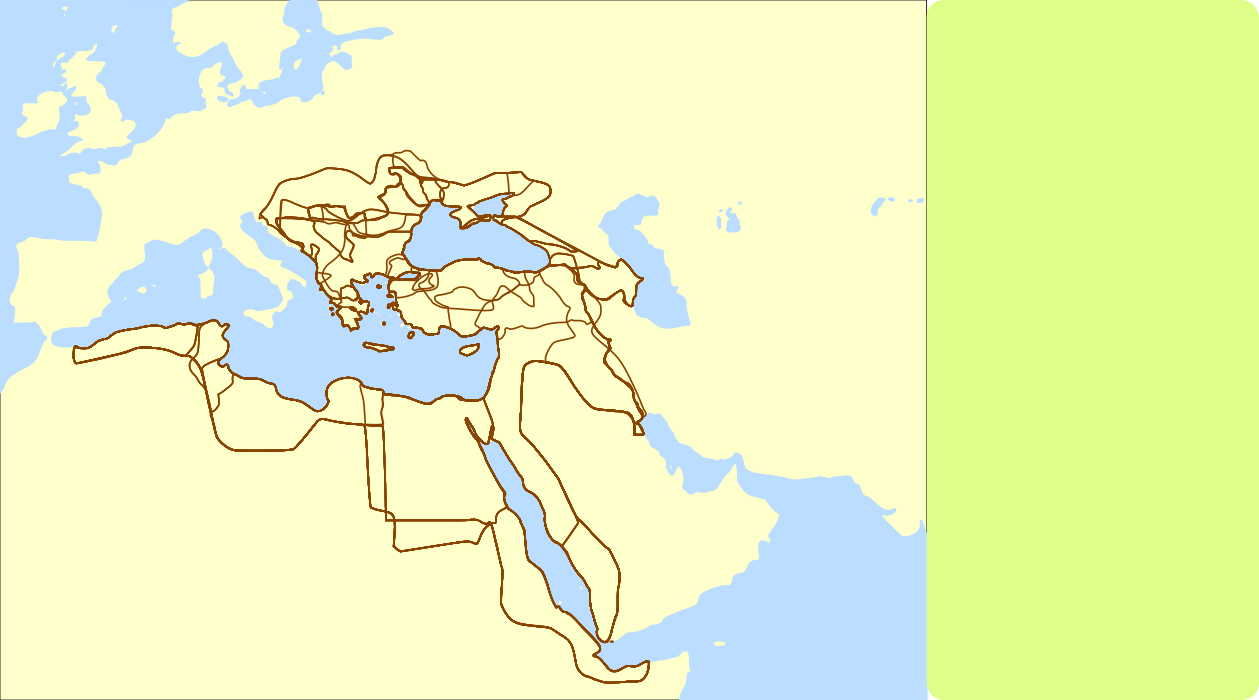
Severity: specification violation SVG 1.1, regression compared to for example 9.23.
Description: additional horizontal lines appear, depending on the size of the document.
example map
For some heights of the map there appear additional horizontal lines in the map.
For the height given here there are three prominent wrong horizontal lines with Opera 10.60.
Those are not within the path data. Compare with the display of other viewers.
The number and appearence of those horizontal lines depends on the size of the
document - change height to see other horizontal lines or to avoid the appearence of them.
This is another indication, that the behaviour is a bug.
Comment: Try with another viewer with basic SVG capabilities or for example Opera 9.23. DSK-309524
fixed in Opera11.00 (1156)
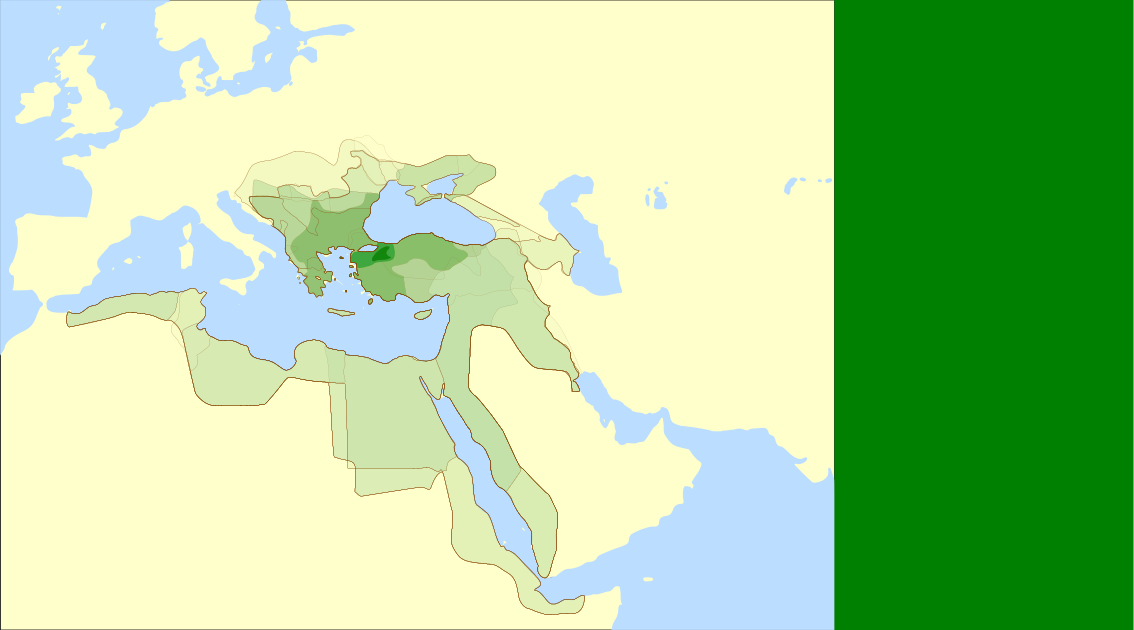
Severity: specification violation SVG 1.1, regression in 10.60ff compared to 10.10 and below.
Description: properties from root svg inherited, even if provided in the element directly.
example map
There has to be a map of the Ottoman empire on the left and a green (!) rectangle on the right without violett stroke).
Opera 10.60 ignores the properties provided in the elements at the end of the document and prefers to inherit
the red fill and violett stroke from the root svg element (which does not apply to any element in this document, because all have their own fill attribute and no or other stroke).
This seems to happen, if there are a few slightly more complex path elements before.
Sometimes this misbehaviour can be compensated, with another window pops up over the SVG and removed again,
sometimes it helps to provide width and height for the root svg element with specific values, for example a small height
seems to avoid the misbehaviour - or if one has to scroll some portions of the SVG document.
Comment: Try with previous versions of Opera up to 10.10 or another viewer with basic SVG capabilities. DSK-309521
Severity: specification violation SVG tiny 1.1
Description: wrong animation with currentColor as animation value.
example fill animation with animated currentColor
The fill from a group is inherited for the two circles as currentColor.
This color is animated with a begin of 7s and a dur of 5s with some values
in the blue range.
The small circle shows the current value of the group for comparison.
The large circle has its own animation of fill, beginning at 2s with a
dur of 10s with some values in the blue range.
The last value is currentColor. This means, it interpolates to the current
color value. After the active duration the value currentColor is frozen,
this means the fill value is the same as that of the small circle after
12s.
The stroke of the large circle has the same appearance as the fill all
the time. But the animation is realised without inheritance and with a
simpler values list.
A difference between the fill and the stroke of the large circle indicates
an error.
example fill animation with animated currentColor
Similar to the previous, the color is animated with a begin of 7s and a dur of 10s with some values
in the blue range.
Comment: Works in firefox 3.7 preview. DSK-308727
Severity: specification violation SVG tiny 1.1
Description: wrong animation with inherit as animation value.
example stroke-width animation with inherit
The stroke-width from a group is inherited for circles.
The test circles have their own animation of stroke-width, beginning at 2s with a
dur of 10s with some values.
The last value is inherit. This means, it interpolates to the current
inherited value. After the active duration the value inherit is frozen.
The stroke-width of the blue top circles have the same appearance than that of the red circles below all
the time.
If something red gets visible, an error is occured.
example stroke-width animation with inheritance of animated stroke-width
Similar to the previous, the inherited stroke-width is animated with a begin of 7s and a dur of 10s with some values.
example fill animation with inherit
The fill from a group is inherited for the two circles.
This fill is animated with a begin of 7s and a dur of 10s with some values
in the blue range.
The small circle shows the current value of the group for comparison.
The large circle has its own animation of fill, beginning at 2s with a
dur of 10s with some values in the blue range.
The last value is inherit. This means, it interpolates to the current
inherited value. After the active duration the value inherit is frozen,
this means the fill value is the same as that of the small circle after
12s.
The stroke of the large circle has the same appearance as the fill all
the time. But the animation is realised without inheritance and with a
simpler values list.
A difference between the fill and the stroke of the large circle indicates
an error.
Comment: Works in firefox 3.7 preview and at least the first example works in Batik/Squiggle. DSK-308726
Severity: specification violation SVG 1.1
Description: Opera uses always 96 dpi (?) instead of the currently really used resolution to convert between absolute units and local units.
Comment: This information is available for many years in operating systems, for example on Linux/Unix in the XORG log-files. For example Firefox uses this information to convert properly. Several other viewers have similar problems, sometimes using other arbitrary resolutions. DSK-308407
Severity: specification violation SVG 1.1 (Regression compared to Opera 9.0x/9.1x/9.2x)
Description: animations containing a values-list with percentages and other units result in a mixture of continuous and discrete animation.
example for animation with percentage and px values:
Percentages as units are tested with animated circles compared to local and px units.
Because the viewBox is set to a width of 400 and a height of 300, a horizontal length of
400 corresponds to 100% and a vertical length of 300 corresponds to 100%.
Other lengths in other directions are related to 353.5533905932737622... as 100%
(the square root divided by square root of 2 from the sum of squares of width and height).
For the dark blue circle there is a red comparison below with an animation, using
only px as units, no mix of different units.
If something red gets visible, an error is occured.
example for animation with percentage, mm and cm values:
Percentages as units are tested with animated circles compared to mm.
Because the size is set to a width of 200mm and a height of 150mm, a horizontal length of
200mm corresponds to 100% and a vertical length of 150mm corresponds to 100%.
Other lengths in other directions are related to 176.7766952966368811...mm as 100%.
(the square root divided by square root of 2 from the sum of squares of width and height).
For the dark blue circle there is a red comparison below with an animation, using
only mm as units, no mix of different units.
If something red gets visible, an error is occured.
example for additive animation with percentage values:
Additive animation with mixed units percentages, px and local units.
Because the viewBox is set to a width of 400 and a height of 300, a horizontal length of
400 corresponds to 100% and a vertical length of 300 corresponds to 100%.
Other lengths in other directions are related to 353.5533905932737622... as 100%
(the square root divided by square root of 2 from the sum of squares of width and height).
For the blue circle there is a red comparison below with an animation, using
only px as units, no mix of different units.
If something red gets visible, an error is occured.
Comment: Correct for example in Squiggle and some previous versions of Opera (9.0x/9.1x/9.2x). DSK-308376
fixed in Opera12.00
Severity: specification violation SVG 1.2 tiny
Description: xlink:href not animatable for audio and video.
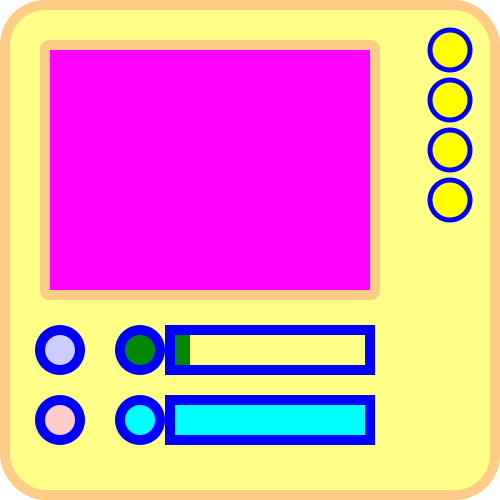
audio example:
A simple music box prototype:
Start audio with the blue button, stop it with the red.
With the green button the audio-level can be increased,
with the cyan decreased relative to the initial value.
To stop the increase or decrease, the related rectangle
on the right of the button has to be clicked. The
relative audio-level is indicated in this rectangle.
With the small yellow circles on the right it is possible
to change the audio document.
video example:
A simple video box prototype:
Start video with the blue button, stop it with the red.
With the green button the audio-level can be increased,
with the cyan decreased relative to the initial value.
To stop the increase or decrease, the related rectangle
on the right of the button has to be clicked. The
relative audio-level is indicated in this rectangle.
With the small yellow circles on the right it is possible
to change the video document.
Comment: Opera10.60 can interprete OGG. (Already in the bug system of Opera for video.)
Severity: specification violation SVG 1.2 tiny
Description: begin or restart with begin sometimes ignored for audio and video.
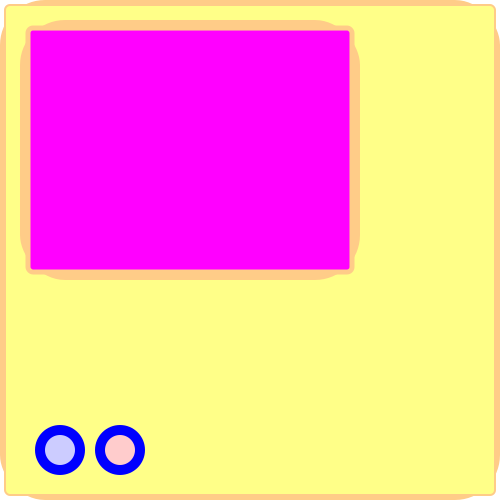
audio example:
Start audio with the blue button, stop it with the red.
Additionally the audio file begins at 2s. Details see desc.
video example:
Start video with the blue button, stop it with the red. Details see desc.
Musical Instrument:
Basic instrument working with basic sound in the format audio/ogg (OGG+Vorbis).
Buttons for two octaves (C-Dur) are available.
Activation: mousedown starts sound, mouseup ends.
Comment: Opera10.60 can interprete OGG. DSK-308176
Severity: specification violation SVG 1.2 tiny
Description: Attributes repeatCount and repeatDur in some situations ignored for audio and video.
audio example:
Start audio with the blue button, stop it with the red.
Additionally the audio file begins at 2s. Details see desc.
video example:
Start video with the blue button, stop it with the red. Details see desc.
Musical Instrument:
Basic instrument working with basic sound in the format audio/ogg (OGG+Vorbis).
Buttons for two octaves (C-Dur) are available.
Activation: mousedown starts sound, mouseup ends.
Comment: Opera10.60 can interprete OGG. Repetition worked already reproducible in a previous test version 9.62 (2467). DSK-308175
fixed in Opera10.50pre alpha (6204)
Severity: specification violation SVG 1.1 tiny
Description: gradient applied if not applicable due to zero boundingBox.
Example:
If the boundingBox of an element has a size of 0 in x or y
direction a gradient is not applicable.
This is tested. The lines have to be blue as the provided
fallback and not red as the gradient.
Comment: Ok in Batik/Squiggle or Mozilla Geckos.
Severity: specification violation SVG 1.1 tiny
Description: wrong calculation of stroke-miterlimit for problematic paths.
Example:
Problematic paths for stroke-miterlimit.
For comparison the correct result is given too. The
blue paths covers always the red one completely.
More details for the test cases are available within the related desc elements.
Comment: Different problems in Batik/Squiggle 1.7, KSVG, adobe plugin Mozilla/Gecko (1.9), Arora (0.7)/WebKit (523), inkscape. DSK-276153
fixed in Opera10.50pre alpha (6204)
Severity: specification violation SVG 1.1 tiny
Description: no inheritance of stroke-dashoffset (inherited from previous element not from parents).
Example:
Inheritance of stroke-dashoffset and stroke-dasharray is tested.
The blue test cases are compared with corresponding red and yellow
paths. The underlying red paths are always covered by the blue path.
The yellow paths indicate the corresponding pattern on top with
a small linewidth.
Opera inherits from the previous element, not from the parents. If the tab is
or the window is switched or resized, the interpretation/inheritance of stroke-dashoffset and stroke-dasharray
is changed as well in strange, unpredictable ways.
Comment: Ok in Batik/Squiggle 1.7, KSVG, adobe plugin, Mozilla/Gecko (1.9), wrong in Arora (0.7)/WebKit (523). DSK-276152
Severity: specification violation SVG 1.1
Description: transparent parts of images are not transparent for pointer-events. Chapter 16.6 of the specification indicates a specific rule for pointer-events concerning images with transparent parts. Opera ignores this rule and treats those images always as opaque for events.
Examples:
a
b
A referenced, partly transparent PNG is used to
test pointer-events. The image consists of three
closed curves (blue, green, yellow). Below there
are colored squares.
The light green squares can be activated or clicked
everywhere to start a simple color animation.
The light yellow squares can be activated or clicked
everywhere in a complete transparent area to start
a simple color animation.
The pink squares cannot be activated at all. DSK-276151
fixed in Opera10.60 beta (6368)
Severity: specification violation SVG 1.1
Description: no set animation of the class attribute since Opera 10 beta (1, 2, 3)
Examples:
set animation of the class attribute
The class attribute is changed from s1 to s2 after 3 seconds. The displayed rectangle changes the properties fill, stroke, stroke-width, opacity, stroke-opacity and fill-opacity.
set animation of the class attribute
The class attribute is changed between two class lists after 3 seconds. The displayed rectangle changes the properties fill, stroke, stroke-width, stroke-opacity and fill-opacity.
Comment: Ok in Opera 9.5x, 9.6x. 10 alpha. Compare with related still working discrete animations using animate. DSK-276150
Severity: specification violation SVG 1.1
Description: slightly wrong limitingConeAngle
Examples:
animation of the limitingConeAngle of feSpotLight in feDiffuseLighting
limitingConeAngle of feSpotLight in feDiffuseLighting is animated with several values and with repetition.
Three white stroked circles indicate the radius of the limiting cone, one on top of the circle, one in the middle for the square and one at zero height. There has to be no light beyond those circles within the related shapes.
Comment: Ok for example in the adobe plugin. DSK-276148
fixed in Opera11.00 (1156)
Severity: specification violation SVG 1.1
Description: wrong interpretation of attributes in correlation with kernelUnitLength
Examples:
animation of the x and y of fePointLight in feDiffuseLighting
x and y of fePointLight in feDiffuseLighting are animated with several values and with repetition.
A small black circle indicates the position of the fePointLight.
Comment: Ok for example in the adobe plugin. DSK-276147
partly fixed in Opera10.50pre alpha (6177)
Severity: specification violation SVG 1.1
Description: filter primitiveUnits objectBoundingBox ignored for some attributes
Examples:
feOffset with primitiveUnits objectBoundingBox
The blue stroked test circle has always to cover the red
comparison circle. If something red gets visible, an error is occured. (ok in Opera10.50pre alpha)
feGaussianBlur with primitiveUnits objectBoundingBox
For comparison there are centered black stroked ellipses indicating roughly the size of the filtered shape. The major part of the filtered shape has to be between the two ellipses. (ok in Opera10.50pre alpha)
fePointLight in feDiffuseLighting with primitiveUnits objectBoundingBox
A white stroked circle indicates the center of the fePointLight and with the diameter roughly the change of the appearence of a constant solid angle of light.
Comment: Ok for example in the adobe plugin. DSK-276146
fixed in Opera11.60
Severity: specification violation SVG 1.1, regression compared to Opera 10 alpha
Description: The rendering order for tspan and tref within animation is wrong; Opera 11.10 frozen
Examples:
sample with tspan
sample with tspan
sample with tref
sample with tref
Detailed descriptions are included within the documents themselves.
The blue text should be on top, not the grey one.
Comment: Rendering order ok for example with the adobe plugin or with Squiggle or Opera 10 alpha, wrong with previous versions of Opera or Opera 10 beta. (The second and fourth sample indicate another problem too, not related to the rendering order). DSK-262230
Severity: specification violation SVG 1.1
Description: The specification does not indicate, how the direction
of a path is determined in general. This has to be done with some
mathematical analysis.
If a control point coincides with the adjoining point the other
control point has to be used to derive the directionality of a marker, respectively
if both control points coincide the other point has to be used to derive the
directionality.
Opera does not derive the dirctionality in such cases correctly.
Examples:
Cubic path with marker
Cubic path with marker
Cubic path with marker
Quadratic path with marker
Quadratic path with marker
Detailed descriptions are included within the documents themselves.
In general, if something red appears, this indicates an error.
Comment: Typically the results in the Adobe plugin are ok. Squiggle has a similar problem than Opera and does not always display all required markers. WebKit has even problems with the correct positions of the markers, not only the direction. Related bug: CORE-8699.
Severity: specification violation SVG tiny 1.1
Description: several path command combinations are interpreted wrong within animation.
Examples:
commands M, V, H, L and Z. Some Z commands are immediately followed by other commands V, H or L.
commands m, v, h, l and z. Some z commands are immediately followed by other commands v, h or l.
commands m, q, t and z. Some z commands are immediately followed by other commands q or t.
commands m, c, s and z. Some z commands are immediately followed by other commands c or s.
Detailed descriptions are included within the documents themselves. In general, if something red appears, this indicates an error,
gray paths indicate the initial and final path of the animation.
Comment: Typically the results in WebKit are better than in Opera. Squiggle or the adobe plugin sometimes have problems with such path command combinations too, but not necessarily the same. DSK-255964
fixed in Opera12.00
Severity: specification violation SVG 1.1
Description: pattern blurred if enlarged, not scalable.
Examples:
pattern (a)
pattern (b)
In Opera a pattern is blurred, if enlarged.
Top left there is the pattern provided manually. A small rectangle indicates the viewBox of the pattern element.
The large area uses the pattern element. Because no filter is used, both areas should show the same pattern.
Opera blurs surprisingly the pattern in the large area.
The following example shows a maybe related problem, maybe due to wrong rounding of the
viewBox size:
pattern (c)
Apart from the blurring some lines in the pattern are smaller than others, what can be an indication of a wrong
presentation of the viewBox.
Comment: Much better results in Squiggle 1.7 and the still better in the adobe plugin (which has other trouble with pattern). DSK-251950
fixed in Opera10.60 beta (6368) ,
wrong again in Opera 11.00 (1156)
Severity: specification violation SVG 1.1, regression compared to Opera 9.2x
Description: wrong interpretation of the clip property
Example 1:
clip property.
With clip two images are clipped. The correct cut-out
is indicated with a red stroked rectangle. The
complete images are deposed partly transparent.
Since Opera 9.5x the values of the clip property are interpreted wrong.
According to CSS2.0, what is relevant for SVG1.1 (not CSS2.1, however
the behaviour since Opera 9.5x does not fit to CSS2.1 either) the
values represent the related clipping distance from the related side
of the image.
Example 2:
clip property.
With clip an image is clipped within an animation.
The correct cut-out is indicated with a blue stroked rectangle. The
complete image is deposed partly transparent.
The last of the three animations may indicate, that since Opera 9.5x
left and right are mixed up.
Comment: Ok in Squiggle 1.7 and the adobe plugin (only the sample without animation). DSK-247692
Severity: specification violation SVG tiny 1.2
Description: wrong or no interpretation of title and desc, respectively role attrribute value not respected for these and other elements
In SVG tiny 1.2 is clarified, that title and desc are not to be displayed as tooltips, if this is
not explictly indicated with the role attribute with the value 'tooltip' (
See 5.5.3 of the specification). Opera currently displays title element as tooltips, even if the role is
not given with the value 'tooltip', what is wrong. The desc element is still not accessible at all.
Note, that if role="tooltip" is provided for example for a metadata element, the author will
typically expect, that the content of the metadata element is displayed as a tooltip, what is
in general a better approach as using the title element for this purpose, because the title
element has another specific semantical meaning for the text only view:
Interactive sample with title and desc
and metadata with a content attribute and role="tooltip"
According to 'F.3 SVG user agent accessibility guidelines' of the specification, a user agent should provide a text-only view. This is still not available in a useful way with Opera.
Samples concerning animation and role and other common attributes can be found here:
Animation tests.
Samples and a general discussion can be found here:
Text in SVG.
DSK-246943
fixed in Opera10 (4394) fixed in Opera10.50pre alpha (6204)
Severity: specification violation SVG 1.1 for Opera 10.0 alpha1, Opera10.10; regression compared to Opera 9.x, Opera 10.0
Description: no animation of the text-rendering property.
Example:
animation of the text-rendering property.
Each second the text-rendering is changed. The values are: auto;optimizeSpeed;optimizeLegibility;geometricPrecision
With geometricPrecision the shapes are exact as defined in the font, with optimizeLegibility the user agent shall attempt to emphasize the contrast for example by switching on the anti-aliasing or changing the font. optimizeSpeed may simplify the rendering of the shapes. auto may be close to the rendering of optimizeLegibility. fill of a circle is changed between gray and black just for timing.
Opera 10.0 alpha1 does not animate the property anymore. DSK-246942
Severity: specification violation SVG 1.1 for Opera 10.0 alpha1; regression compared to Opera 9.5x and 9.6x
Description: no animation within an SVG document referenced with image.
Example:
image referencing animated SVG.
Opera 10.0 alpha1 does not animate the referenced SVG document.
This worked already in Opera 9.5x and 9.6x. DSK-246939
fixed in Opera10 (4394)
Severity: specification violation SVG 1.1 for Opera 10.0 alpha1; regression compared to Opera 9.x
Description: no animation of method of textPath.
An example can be found for example here:
method of textPath animation sample.
DSK-246938
partly fixed in Opera10.60 beta (6368)
Severity: specification violation SVG 1.1 for Opera 10.0 alpha1; regression compared to Opera 9.5x, 9.6x.
Description: no animation of the altGlyph attributes. dx and dy still not animatable in Opera10.60 beta (6368). Crash with Opera 11.60
Examples can be found for example here:
altGlyph attribute animation samples.
Especially this one crashes Opera 11.60:
altGlyph test.
DSK-246937
fixed in Opera10 (4394)
Severity: specification violation SVG 1.1 for Opera 10.0 alpha1; regression compared to Opera 9.x
Description: no animation of the font-style property.
Example:
font-style animation sample
Test of font-style in a text element.
The font-style changes all 3s from
normal to italic to oblique to normal
with a discrete animation.
The timing is indicated with a change of the fill property. DSK-246936
fixed in Opera12.00
Severity: specification violation SVG tiny 1.2
Description: text-align does not inherit.
Example:
textArea
Are properties inherited in textArea element?
The blue filled and cyan stroked poem with inherited
properties has to cover the red poem completely.
If something red is visible, not all properties are
inherited.
Opera does not inherit text-align. DSK-241331
Severity: specification violation SVG 1.1
Description: overflow inherit interpreted always as visible.
Example:
overflow and symbol
overflow of a symbol is set to inherit.
Therefore the overflow property is inherited from the
referencing use element, scroll/hidden on the left, auto/visible on the right.
The area for the symbol defined by a use element is indicated with thin
black stroked rectangles, if clipped, fragments of the symbol are only inside this
rectangle.
Opera uses always visible instead of inherit.
Comment: Ok in Squiggle 1.7, KSVG and the adobe plugin use always hidden instead of inherit. The Geckos and Inkscape always use visible instead of inherit. bug-341985
fixed in Opera10.50pre alpha (6204)
Severity: specification violation SVG 1.1
Description: text after tref referencing external text not displayed.
Example:
text from another document with tref
'Text 1?' from file tref01a.svg is used and ':' before and after tref is inside the
local text element.
If something red gets visible, an error is occured.
Opera does not display the final ':'. This problem is not always reproducable. After a reload
it often works. bug-341979
Severity: specification violation SVG 1.1
Description: wrong/incomplete interpretation of textLength for tspan-text combination.
Example:
textLength in tspan and text
The tspan attribute textLength changes from 400 to 600 in 5s
with textLength explicitely set to 1000 for the text element.
The light grey and grey rectangles show the corresponding scaling
and the grey stroked text the approximate glyph positions using an
animation of the x attribute of text.
Even if the guess for the glyph positions is not very good, obviously
all glyphs should be at least inside the largest rectangle, representing
the textLength of the complete text. bug-341975
Severity: specification violation SVG 1.1
Description: no animation of the font property.
Examples:
set animation with font
- no animation not with set and not with animate.
set animation with font - optional bonus
example- support not required for a conforming SVG viewer.
bug-341959
fixed in Opera11.60 (11.85)
Severity: specification violation SVG tiny 1.1 (Regression compared to Opera 9beta1 and earlier versions)
Description: the wrong order to add missing rx or ry of a rect element or to correct them is used.
Example:
animated rects with rounded corners
For two blue rectangles the attributes width and height are animated and
either rx or ry given explicitly.
The animation is compared for the top left corner of each
rectangle with an animated ellipse with the same rx and ry.
If the top left quarters of the stroked ellipses do not fit exactly
to the top left rounded corner of the related rectangle, an error
is occured.
Because the correction rules to imply the other r is before that of the rule
for the corrections for width or height, the width/height correction is applied
to the implied value and not the width/height corrected r is implied.
Here the implied r remains constant, the other is corrected.
Comment: This sample is ok in the adobe plugin, in Batik/Squiggle 1.7, KSVG and Amaya (only the ellipse is not animated in Amaya). For example Squiggle has some other problems with those correction rules, not appearing in this example. bug-341954
Severity: specification violation SVG tiny 1.1.
Description: repeatEvent, endEvent, (maybe beginEvent too) bubble in Opera (≥ 9.50). According to the SMIL animation recommendation, SMIL2 and SMIL3 repeatEvent, endEvent, beginEvent do not bubble, most other events do due to the DOM event specifications. However repeatEvent, endEvent, beginEvent are specific for animation and are not covered by DOM events. For the specific requirements of timed elements in SMIL and animation in SMIL it is useful not to bubble those events, which is the case for SVG too.
Example 1:
event bubbling and repeatEvent
For the event repeatEvent bubbling is not applicable.
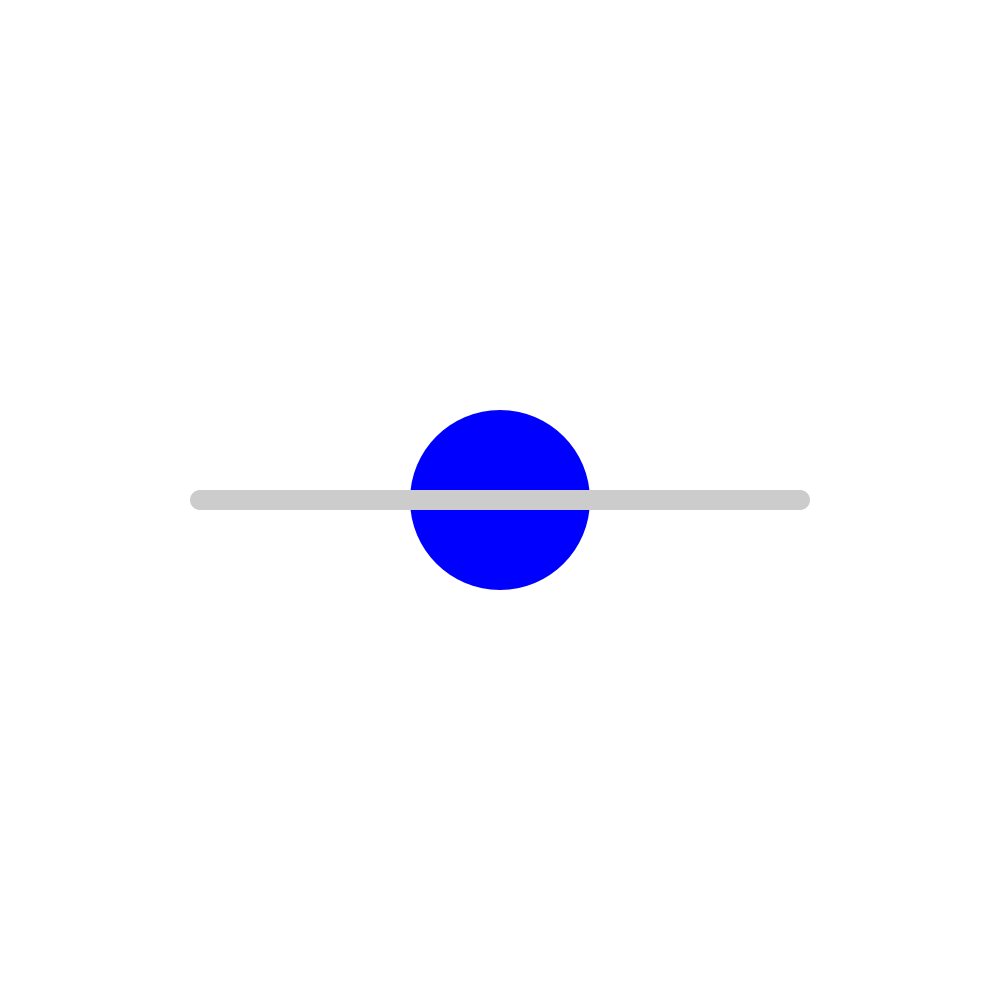
The repeatEvent of the stroke animation of the circle
starts the animation for cx directly. If bubbling would
be applicable, cy would start too, but without bubbling the cy
animation does not start at all.
The cx animations itself is repeated once, but because it
depends on the repeated stroke animations the behaviour
is slightly more complex.
The circle moves always along the grey line.
If the red fill of the circle gets visible, an error is occured.
Example 2:
event bubbling and endEvent
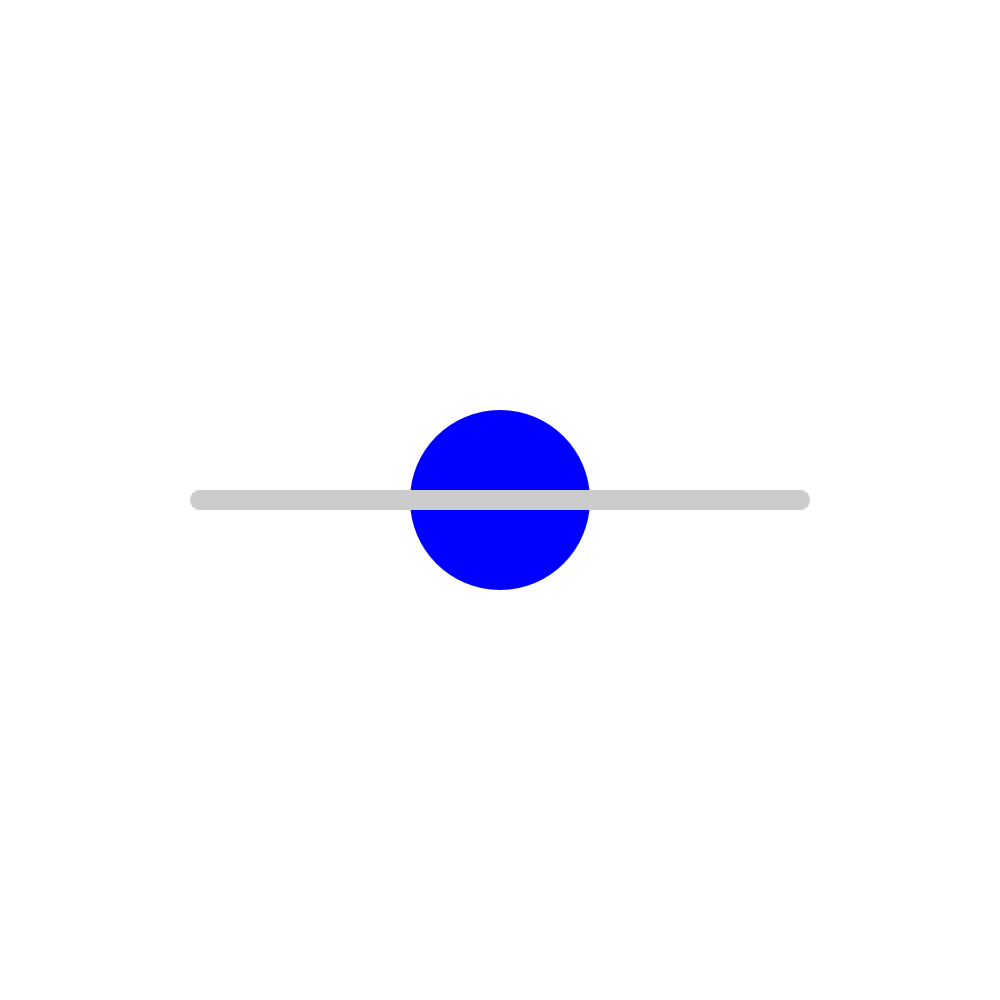
For the event endEvent bubbling is not applicable.
The endEvent of the stroke animation of the circle
starts the animation for cx directly. If bubbling would
be applicable, cy would start too, but without bubbling
the cy animation does not start at all.
The cx animations is repeated once.
The circle moves always along the grey line.
If the red fill of the circle gets visible, an error is occured.
Example 3 (caution - this sample currently crashes Opera 9.50 due to bug-286635):
event bubbling and beginEvent
For the event beginEvent bubbling is not applicable.
The beginEvent of the stroke animation of the circle
starts the animation for cx directly. If bubbling would
be applicable, cy would start too, but without bubbling
the cy animation does not start at all.
The cx animations is repeated once.
The circle moves always along the grey line.
If the red fill of the circle gets visible, an error is occured.
Comment: Because either these events are not interpreted in previous Opera versions and bubbling did not work for
previous versions, this problem appears only since 9.50 alpha...
The adobe plugin ignores such events, Batik/Squiggle 1.7 does it right for these samples.
bug-341948.
Severity: accessibility problem and specification violation SVG tiny 1.1.
Description: xlink:role and xlink:arcrole references not accessible
xlink:role and xlink:arcrole for elements like a, image, use etc provide a possibility to give a description
of the referenced document respectively the referencing arc in an external document. Obviously this
becomes only useable both for authors and users, if the noted URIs are accessible somehow.
This could be done for example on demand in the content menu similar to zooming or pausing of
animation. In an alternative text representation of the document
this should be noted too.
SVG and XLink do not note details, how this has to be realise, but SVG references XLink as normative
description for them and it is obvious, that they have a well defined functionality related to accessibility
similar to the SVG elements title and desc and should be accessble too
somehow.
Example:
image, xlink:role and xlink:arcrole
Note, that the URIs of xlink:role, xlink:arcrole, xlink:href are not even available in the info panel of Opera.
Comment: Other viewers have a similar accessibility problem for these elements. bug-316543.
Severity: specification violation SVG tiny 1.1.
Description: keyTimes ignored for animateMotion
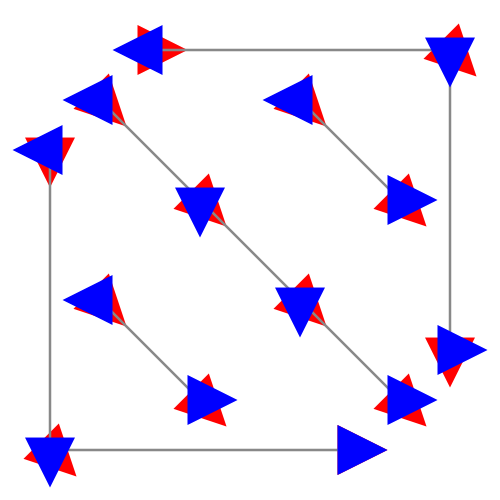
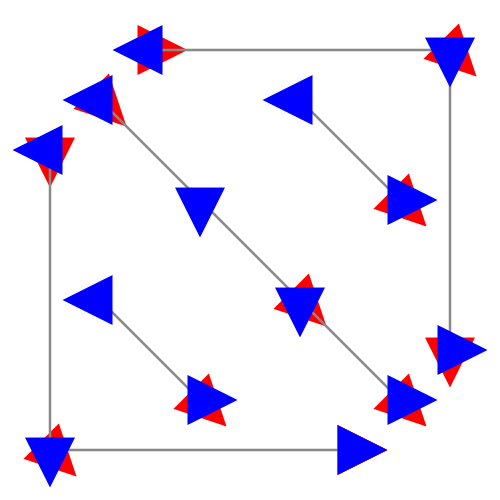
Example 1:
animateMotion and keyTimes
Some circles are moved along a square with
a duration of 30s.
All have the same timing, therefore the top
blue circles cover the other red ones.
The blue ones use a simple path referenced by
mpath or the same path using the path attribute
or values, all with keyTimes and calcMode linear.
The red circles below use values and either
keyTimes with animateTransform or a group separated
animateMotion resulting in the same timing for comparison.
If something red circles gets visible, an error is occured.
Comment: Ok in the adobe plugin and in Squiggle 1.7, wrong in Opera.
Example 2:
animateMotion and keyTimes
Some circles are moved along a path with
a duration of 30s.
All have the same timing, therefore the top
blue circles cover the other red ones.
The blue ones use a simple path referenced by
mpath or the same path using the path attribute,
all with keyTimes and calcMode linear.
The red circles below use path and a group separated
animateMotion resulting in the same timing for comparison.
If something red circles gets visible, an error is occured.
Comment: Ok in the adobe plugin and wrong in Squiggle 1.7 (only problems with multiple M/m commands here) and Opera.
Example 3:
animateMotion and keyTimes
Some circles jump a few times along a path with
a duration of 30s.
All have the same timing, therefore the top
blue circles cover the other red ones.
The blue ones use a simple path referenced by
mpath or the same path using the path attribute
or a simple path given with values,
all with keyTimes and calcMode discrete.
The red circles below use path and a group separated
animateMotion resulting in the same timing for comparison.
If something red circles gets visible, an error is occured.
Note, that control points and M/m commands except the
initial from the path do not contribute as jump points, therefore
there are exactly 5 jump points for each path.
Comment: Wrong in the adobe plugin, Squiggle 1.7 and in Opera. bug-316541.
Severity: specification violation SVG tiny 1.1.
Description: animateMotion confused by path fragments of length zero
Example:
linear animateMotion and zero path length
A path with several path fragments of zero length is used for a
linear animateMotion of a blue square. The path is given in gray,
some simpler animateMotion elements are used to perform the same
motion for a red square exactly below the blue one.
If something red gets visible, an error is occured.
Comment: There are more problems the calcMode discrete or paced. This example is correct in the adobe plugin (but has other problems than Opera for the other values of calcMode). bug-285856 (not send by me).
Severity: specification violation SVG tiny 1.1.
Description: conditional processing ignored for animation elements
Example:
switch and animation
A switch is used with systemLanguage on a set element.
The set switches the color of a gray square to blue at 2s,
not to red as the alternative set would do, if the systemLanguage
is not supported. Red indicates an error.
The systemLanguage is derived from the related
parameter HTTP_ACCEPT_LANGUAGE from the viewer.
An additional string of a supported systemLanguage
can be given manually with the GET parameter 'lang'.
Opera ignores the switch and performs the second animation too.
More examples for SVG 1.1: conditional processing and animation 1.1
More examples for SVG tiny 1.2: conditional processing and animation 1.2
bug-303312.
fixed in Opera10.50pre alpha (6204) crash available again in Opera 10.60 beta (6368), 11.60
Severity: crashes Opera 9.50 (including alpha/beta) (and error in the interpretation of discard), Opera 10.60 beta, Opera 11.60
Description: Opera 9.50 (including alpha/beta), Opera 10.60 beta, Opera 11.60 crash with the given interactive discard example
Example:
interactive discard example
After several (two or more) clicks on different dark blue circles in the bottom line Opera 9.50 alpha
crashes. Note, that there is an error with the discard of the right circles too, they are not always removed.
Example for Opera 11.60:
discard example
For two circles the radius is animated from
zero to large to zero in 10s. The blue
circle covers alway the red circle.
The red circle has another animation
starting at 11s.
The red circle is discarded at 7s using the
discard element, the display of the blue
circle is set to none at 7s.
If the red circle gets visible at any time, an error is occured.
Description of the test sample:
Using the an event to discard the circle respectively the g element around the circle
and using the begin of the discard as a syncbase-value to set the display of the small
circle to none at the same time.
Test is ok if the circles above are discarded and not displayed,
if the bottom circles are clicked or activated,
the left and the right ones directly, the middle ones 2s retarded. bug-303309.
sample to show the same visual effect using set without error or crash
fixed in Opera 10.60 beta (6368),
available again in Opera 12.00
Severity: specification violation SVG tiny 1.2.
Description: Opera 9.50 (including alpha/beta) does not fill the viewport of an animation element completely with viewport-fill (-opacity)
Example:
viewport-fill and animation element
The viewport-fill for an animation is animated in the
blue range within 20s. If the viewport is not
completely and always somehow blue
an error is occured. If it is red, the
animation is not applied.
On bottom right there is a small rectangle having the same
fill animation as the viewport for comparison.
Opera only fills behind the referenced document, not the viewport parts on the left and right of the
referenced document. They appear due to the combination of widths and heights and preserveAspectRatio.
Example:
viewport-fill-opacity and animation element
The viewport-fill-opacity for an animation
is animated in the
blue range within 20s.
On bottom right there is a small rectangle having the same
fill animation as the viewport for comparison.
Opera does not animate the opacity left and right from the referenced document.
bug-295472
Severity: specification violation SVG tiny 1.2.
Description: Opera 9.50 (including beta) does not switch back to the underlying value of editable if its animation is ended.
Example:
editable sample
After a click on the small blue circle the textArea
with a silly poem can be edited for 10s, indicated by a
blue stroke of the rectangle.
With the small magenta circle editing can be stopped
alternatively.
In Opera 9.50 beta editable does not switch back to none automatically after 10s. bug-295471
partly fixed in Opera11.50
Severity: specification violation SVG tiny 1.1. Regression compared with Opera 8 and 9 < 9.50.
Description: animation corrupted if attributeType XML is overwritten with a higher priority attributeType auto animation
Example:
attributeType and priorities
If an attributeType XML is overwritten with a higher priority attribute auto animations beginning
at 2s, Opera9.50 (including alpha/beta) ignores the higher priority animations. In this fill animations the fill
is switched to black instead of performing the higher priority animation in the blue range.
Opera 11.50 has only a problem with the inner circle for the first two seconds, one animation seems to be ignored.
Comment: Ok in the adobe plugin and in previous versions of Opera 8 and 9. bug-295469
Severity: specification violation SVG 1.1 (respectively tiny 1.2 for requiredFormats).
Description: Opera claims to support scripting, even if scripting is switched off by the user
Example:
testing script and requiredFeatures
The display of this document depends on a switch of
the feature string for script and on ecma-script.
First case: feature string returns true for script
and scripting is active - the user gets a request
to switch off scripting to continue with the test
(with a reload).
Second case: feature string returns true for script
and scripting is not active - the user gets an
information about an error. The document
contains only ecma-script. If the viewer is not
able to interprete this, it should have returned
fail for the feature string for this document.
Third case: feature string returns fail for script
and scripting is active anyway - the user will
see an animation and an information about
an error - scripting should be not available, if
the feature string returns fail in general.
Fouth case: feature string returns fail for script
and scripting is not active - the user will see
a comment to switch on scripting to continue
with the test (with a reload).
Note that the featureString gives an information, wether
the feature is supported for this document or not, not if it is in
general possible that the feature can be supported under some
specific condiditions, in this case only if scripting is enabled.
If feature strings have any benefit for authors, the return value
of the feature string has to depend on the specific current
conditions for the related document and user preferences,
not on a general philosophical statement of the viewer.
The scripting used in this document is similar to set animations
of the display property to none, respectively to block to display
the additional information to the user related to scripting.
similar tiny1.2 test including requiredFormats
Opera claims always to support scripting, even if it is switched off by the user. This is an accessibility problem. With this behaviour it is very difficult for authors to switch between content without scripting and alternative content using scripting for whatever purpose. Note, that using requiredFormats in SVG tiny 1.2 instead of requiredFeatures would be even more effective, but does not work with Opera either.
bug-293838
fixed in Opera10.50 pre alpha 1 (6177)
Severity: specification violation SVG tiny 1.1.
Description: rendering error: residual mysterious line in Opera 9.50 (including alpha/beta)
Example:
path with rendering error
On top there is a small horizontal line, this is the rendering error.
Because stroke-width is the smallest structure, there cannot be a smaller
structure as the stroke in the image. The horizontal line is clearly smaller as
the stroke-width. The error depends strongly on the height of the svg, the
viewBox and the choosen path, the presence of the
z command, the stroke-linejoin.
Comment: bug-290933.
fixed in Opera10 alpha 1 (4102)
Severity: specification violation SVG tiny 1.1.
Description: by animateMotion not additive
Example:
by animateMotion
Test whether a by animateMotion is additive or not.
Red indicates an error.
Comment: bug-285857, not send by me.
Severity: specification violation SVG tiny 1.1.
Description: too bad interpolation for calcMode spline, keySplines
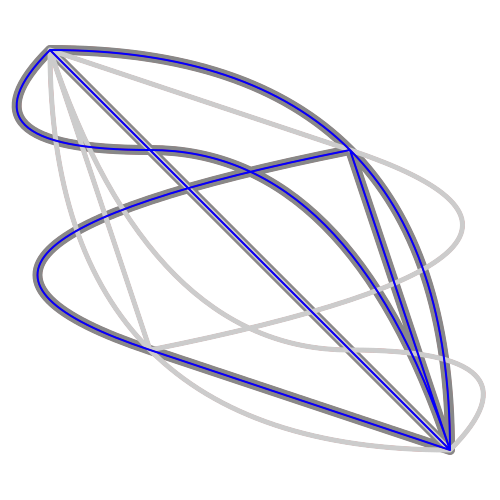
Example:
animate with calcMode keySplines
The cy of a blue stroked circle is animated with six different values
animations using calcMode spline and keySplines.
The cx is animated linear with values animations to get
two dimensional trajectories.
The resulting trajectories are displayed within the active duration
as gray paths. These paths cover always completely the red fill
of the circle.
If the red center of the circle gets visible, an error is
occured.
The timing of the cx animations is choosen in such
a way, that the keySplines correspond directly to a cubic
path as trajectory. The keySplines values have to be multiplied
only with the related values, to get the path data.
The required accuracy of positioning has to be within one device pixel.
Opera does not meet this required accuracy indicated in situations with
large acceleration when the red center of the circle gets visible.
Comment: bug-287959
Severity: specification violation SVG tiny 1.1 for Opera9.50 (including alpha/beta); regression compared with Opera 9.0x, 9.1x, 9.2x.
Description: too bad path interpretation with animateMotion and timing
Examples:
quadratic path interpretation and timing
cubic path interpretation and timing
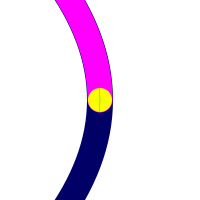
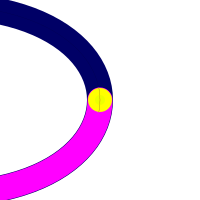
Testing accuracy of path interpretation using stroke-dasharray, stroke-dashoffset and
animateMotion.
A symmetrical quadratic path stroked in dark blue is used for the test.
Magenta is the painted curve fraction of 0.5 of the complete path.
The end point of the painted fraction is painted yellow - this is the
test point at the half path.
Centered black concentrical circles test the accuracy of animateMotion
stopped with different methods at the test point at the half path (after 1s of animation).
A dark blue scale with yellow markers is aligned in such a way, that
the yellow markers are between the different circles, respectively mark
the positions of the stroke-dasharray fractional path.
Click the dark blue path to see the complete path, click the magenta
path to see details around the test point.
The required accuracy of positioning has to be within one device pixel.
Opera 9.50 alpha does not meet this required accuracy anymore. Previous versions
did.
Comment: bug-287958
fixed in Opera10.50 pre alpha 1 (6177)
Severity: specification violation SVG 1.1 for Opera9.50 (including alpha/beta); regression compared with Opera 9.0x, 9.1x, 9.2x
Description: view element ignored
Example:
element with static and animated view targets
Four views are given as targets of an animated xlink:href attribute
of an a element. Colors are changed and the outline of the view displayed
just to give a timing. Another static view is given with the dark blue
small centered circle.
Click on the circles to see the target view.
Comment: bug-286643
Severity: specification violation SVG tiny 1.2
Description: stroke with vector-effect non-scaling-stroke disappears if scaled to zero
Example:
scale a rectangle to a height of zero without changing the stroke-width
The size of a blue path is scaled down in 5s
with several values for x and y to zero.
The vector-effect is non-scaling-stroke.
This means the stroke does not change with
scaling. The vector-effect is set to none at
20s. If something red gets visible,
an error occured.
Opera9.50 alpha interpretes the vector-effect, but if something is scaled to zero,
the stroke is not displayed anymore. Note that in the specification it is only noted for the
type matrix, if it is completely zero, that the display is disabled, not for other types or if
the resulting matrix is equal or not equal to zero...
Application example:
harmonic oscillator
Application: using vector-effect non-scaling-stroke and
animateTransform rotate to realise a one
dimensional harmonic oscillation.
A blue circle represents the harmonic
oscillator, the trajectory is displayed as
a gray path.
Comment: bug-286641
Severity: specification violation SVG tiny 1.2; regression compared with Opera 9.0x, 9.1x, 9.2x
Description: wrong path normalisation within animation
Example:
path animation with quadratic and cubic fragments
Path animation with different commands for bezier curves with
a dur of 10s. If something red gets visible an error occured.
Comment: bug-286637
fixed in Opera11.50
Severity: crashes Opera 9.50 (including alpha/beta).
Description: A SVG document containing a beginEvent crashes Opera 9.50
Example:
animation started with beginEvent
(show source code)
The crash happens sometimes immediately.
Comment: bug-286635
fixed in 9.50 alpha (build 1589)
crashes again in 9.50 (including beta, build 1834 for example)
fixed in Opera10 alpha 1 (4102)
crashes again in 10.10
fixed in Opera10.50pre alpha (6204)
fixed in Opera10.60 beta (6368)
Severity: crashes some versions of Opera.
Description: A SVG document containing foreignObject crashes Opera (some builds).
Example:
animated foreignObject
(show source code)
The crash happens sometimes immediately or after a few seconds or if the tab containing the
document is closed.
Comment: Seems to be related to bug-278828, not send by me.
partly fixed in 9.50 alpha (build 1567)
ok in 11.00 (build 1156)
Severity: annoying only (but NO specification violation).
Description: If a large path is stroked in a document, the animation interpolation quality is very poor to unusable
Example 1:
large path and animateTransform with only a few values
animateTransform and a long fractal path. The path is
related to the Lorenz attractor.
The buttons bottom right do the following after clicking:
red: set the stroke of the path to none for 20s
green: set the stroke to #aaf again
yellow: restart the animation
Example 2:
large path and animateMotion
animateMotion along a long fractal path. The path is
related to the Lorenz attractor.
The buttons bottom right do the following after clicking:
red: set the stroke of the path to none for 20s
green: set the stroke to #aaf again
yellow: restart the animation
Example 3:
large path and animateTransform with a long values list
animateTransform along a long fractal trajectory. The trajectory is
related to the Lorenz attractor.
The buttons bottom right do the following after clicking:
red: set the stroke of the path to none for 20s
green: set the stroke to #aaf again
yellow: restart the animation
Example 4:
large path stroked
animateMotion along a long fractal path. The path is
related to the Lorenz attractor.
The path itself is stroked/painted using a stroke-dasharray
animation.
The buttons bottom right do the following after clicking:
red: set the stroke and the stroke-dasharray of the path to none for 20s
green: set the stroke to #aaf again
yellow: restart the animation
This one is still a problem for Opera9.50 - very rough interpolation.
Application:
Lorenz Attractor, random start and view
Animation of the Lorenz-Attractor.
The buttons bottom right (or the related GET parameters)
can be used to influence, wether the animation continues manually
or automatically or if it restarts.
In case of need the GET parameters can be used to define the
start position and other parameters. s is a parameter for scaling,
dur the duration in seconds (optional anz the number of animation points,
per default 20*dur).
Differential equation:
dx/dt = k(y-x)
dy/dt = l x - y - x z
dz/dt = x y - m z
The problem is rotated with an angle o (in degree) around the direction (x, y, z).
The animation quality is in all examples very poor, if the path is stroked. If the stroke is set to none with the red button, the quality is ok again. This indicates, that the problem is more related to the path itself and not to a specific animation. In comparison: the adobe plugin manages the situation without any problems except the missing stroke-dasharray animation in the example 4 and the application of course. This is clearly improved in Opera 9.50 alpha.
partly fixed in 11.00 (build 1156)
Severity: specification violation SVG 1.1 tiny.
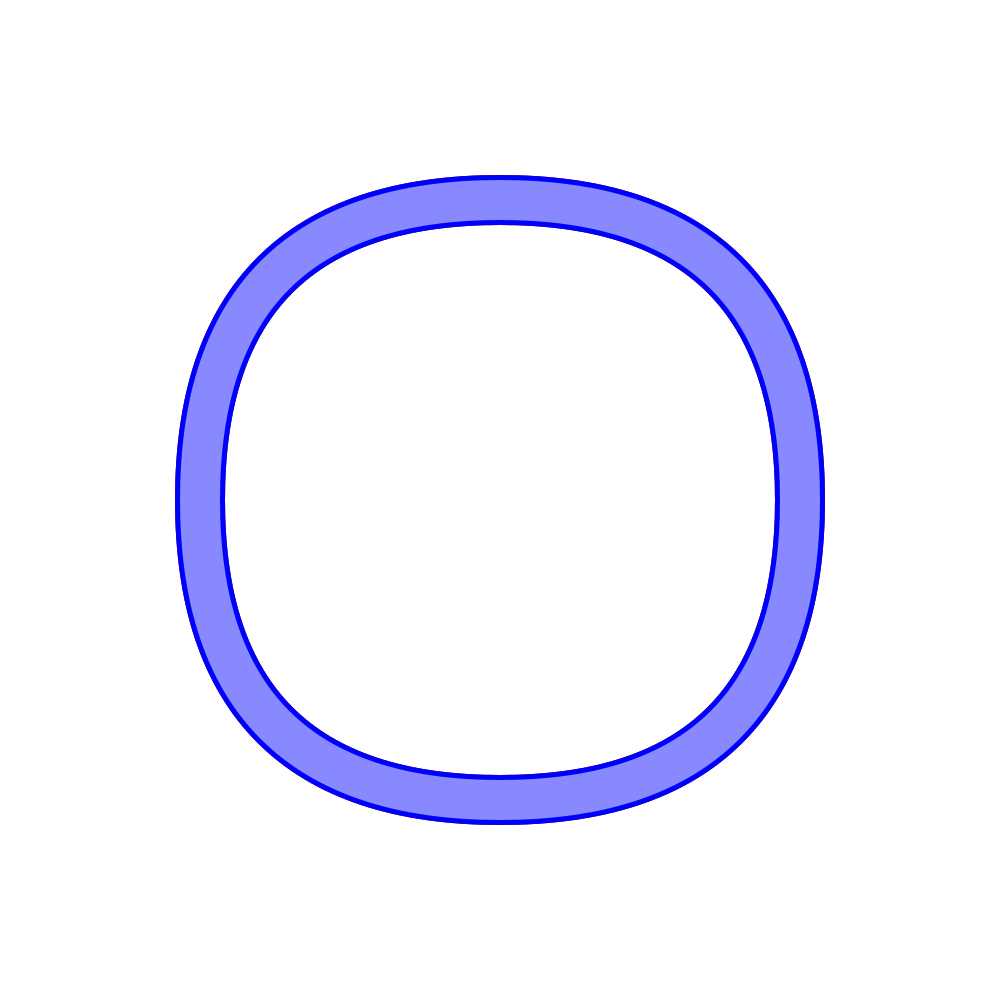
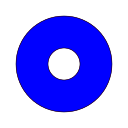
Description: circle stroked as a square in Opera.
Examples:
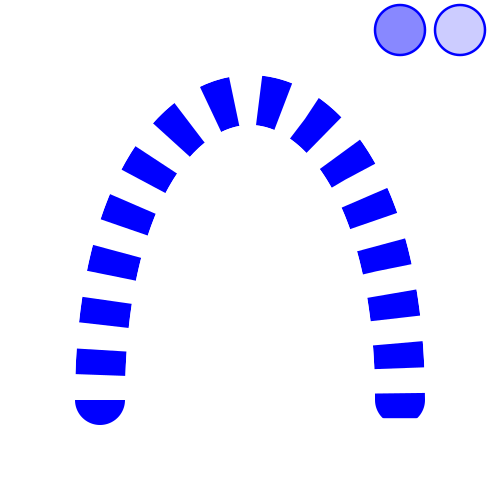
simple blue circle between two thin black circles
Well, lets go back to the basics - lets stroke a simple circle. It uses number values from the number range of SVG 1.1 tiny
or from the even more restrictive SVG 1.2 tiny. What do we get in Opera? - A squared surprise!
But we can do it better:
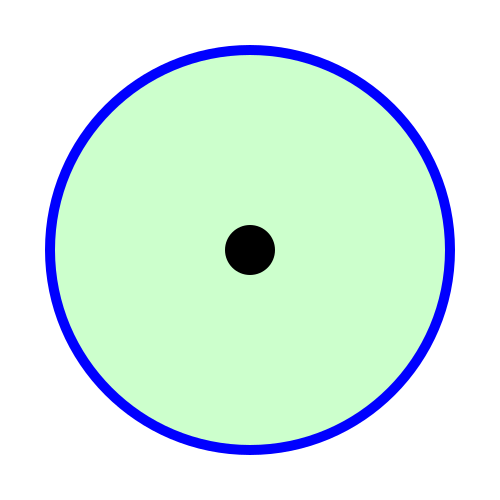
simple blue circle between two thin black circles
Accuracy of rendering is tested using a circle.
For the tiny profile a number range from
-32767.9999 to +32767.9999 has to be supported
and the rendering accuracy has to be within one
device pixel.
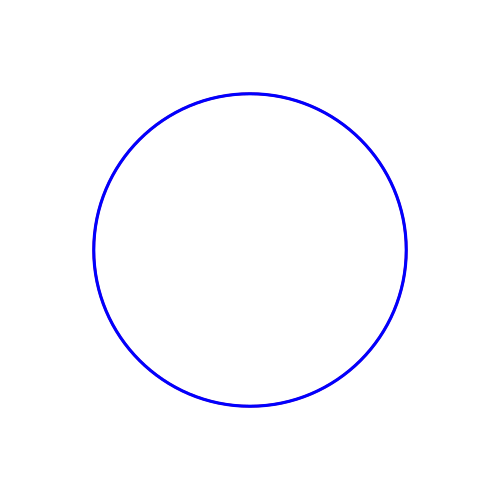
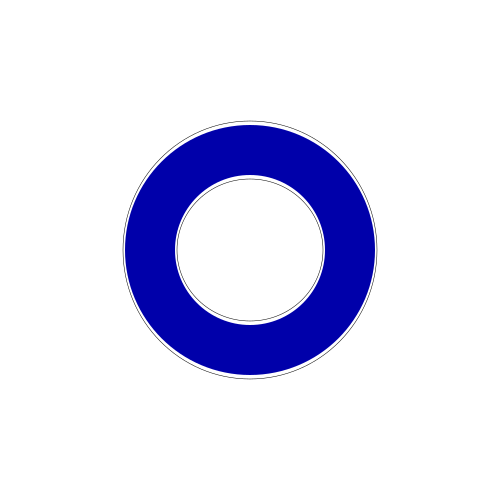
The blue circle has to cover the red circle always
completely. The blue circle is completely inside the
large black circle and outside the small black circle.
Comment: First example works in Geckos 1.8 (SeaMonkey), second has an irregular doughnut as result. Konqueror+KSVG1 or Inkscape: First example ok, second a little bit shifted but wellformed circle. Adobe plugin: First ok too, with the second it gets interesting, it is not just irregular, it is cut! Gimp2.2: both examples ok. bug-263655
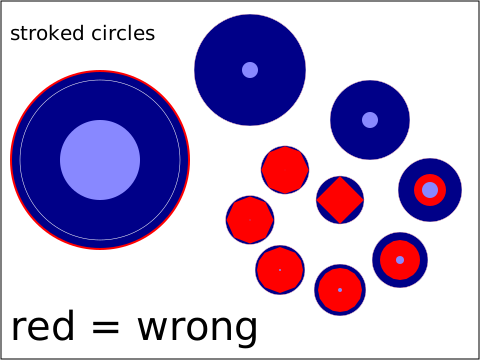
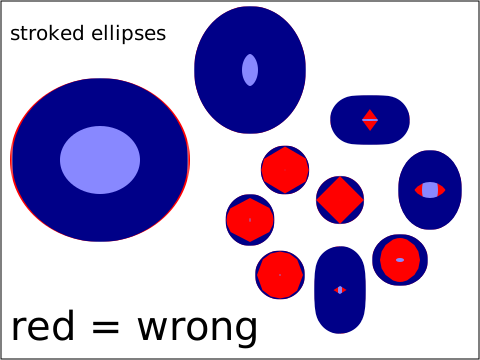
Severity: specification violation SVG 1.1 tiny.
Description: stroked circle, ellipse or rectangle with rounded corners displayed wrong, if the size gets smaller than the stroke-width.
Examples:
stroked circles
stroked ellipses
stroked rectangles with rounded corners
- detailed descriptions in the desc element.
Comment: Problems with this in many viewers. Except for the animation subtest the best
results I have seen are from Mozilla with the current Geckos 1.8 (SeaMonkey, Firefox),
wrong in the adobe plugin and KSVG1 too, stroke is always a surprise in Amaya 9, in general
we get some very creative interpretations from different viewers.
bug-259672
Severity: specification violation SVG 1.1 tiny. Regression compared to Opera 8.x
Description: animateMotion confused by explicitely given pathLength. Regression compared to Opera 8.x.
Example:
animateMotion confused with pathLength:
Rectangles are moved along the same paths with animateMotion
with repetition.
For each path the pathLength is explicitely given. The correct
pathLength of 2400 is used for the blue rectangle, for the red
rectangles the given guess for the pathLength is 10% bigger or
smaller or animated between these guesses.
The motion has to be paced without any jumps or stops.
And because there are no other restrictions the motion has to go
along the complete path.
A given pathLength attribute for the path used for animateMotion
confuses Opera9. Either the velocity of the motion gets to fast or too
slow. Some errors are reduced in Opera9.50 alpha, but some are still
remaining.
Comment: It is pretty nice that Opera9 supports the attribute pathLength, but in this situation as given in the
example, pathLength has no visible effect on animateMotion, because the intrinsic behaviour of animateMotion
hides the effect of a corrected pathLength again. Ok in Opera8 and in the adobe plugin, but this
is no surprise, because they ignore pathLength in general even if it should have a visible effect ;o)
bug-250326
Severity: specification violation SVG 1.1 tiny or full.
Description: different wrong or confused timing for linear and spline animateMotion. Different hehaviour in different builds from Opera8 or Opera9, but always wrong.
Examples only for behaviour still wrong in Opera 9.10 and later:
Example 1:
linear animateMotion for paths with Z command:
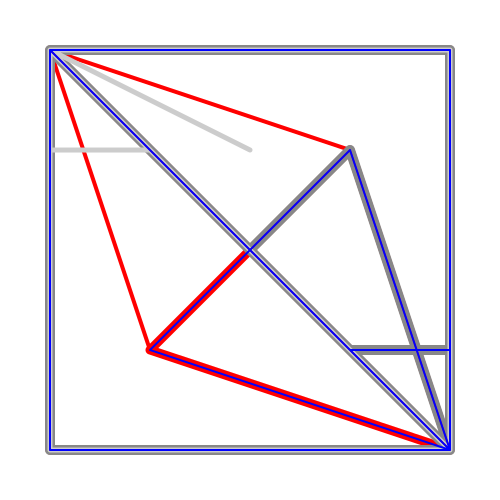
Comparing linear animateMotion with animateTransform
for a rectangle.
animateTransform is blue and covers completely
the red animateMotion. Dark red uses the mpath element,
light red the path attribute and red values
The path consists of a triangle indicated in gray.
The paths are using explicitely the command Z to close
the path. In a linear animation the Z command consumes
time too, even if the length of the subpath is zero.
If something red gets visible, an error is occured.
Ok in Opera9.50 alpha.
Example 2:
linear animateMotion for paths with M command:
Comparing linear animateMotion with animateTransform
for a rectangle.
animateTransform is blue and covers completely
the red animateMotion. Dark red uses the mpath element,
light red the path attribute and red values.
The path consists of three simple lines as subpaths indicated in gray.
Except the initial M command the other M commands do not count
for the timing of the linear animation.
If something red gets visible, an error is occured.
Example 3:
linear animateMotion with elliptical arcs, SVG 1.1 full only:
Comparing linear animateMotion with animateTransform
for a circle as a path for a rectangle.
animateTransform is red and covered completely
by the blue animateMotion.
The path consists of three parts respectively two
rotations of 90 degree and a final of 180 degree
back to the initial position.
The paths are indicated in gray.
If something red gets visible, an error is occured.
Example 4:
spline animateMotion with elliptical arcs, SVG 1.1 full only:
Comparing animateMotion with animateTransform
for a circle as a path for a rectangle.
animateTransform is red and covered completely
by the blue animateMotion.
The path consists of three parts respectively two
rotations of 90 degree and a final of 180 degree
back to the initial position.
The paths are indicated in gray.
If something red gets visible, an error is occured.
Example 5:
spline animateMotion for paths with Z command:
Comparing spline animateMotion with animateTransform
for a rectangle.
animateTransform is blue and covers completely
the red animateMotion. Dark red uses the mpath element,
light red the path attribute and red values
The path consists of a triangle indicated in gray.
The paths are using explicitely the command Z to close
the path. In a linear animation the Z command consumes
time too, even if the length of the subpath is zero.
If something red gets visible, an error is occured.
Ok in Opera9.50 alpha.
Comment: Ok in the adobe plugin.
bug-249617.
partly fixed in Opera10 alpha 1 (4102) ,
fixed in Opera12.00
Severity: specification violation SVG 1.1 full or basic.
Description: writing-mode and glyph-orientation-* for several glyphs wrong or ignored, direction wrong.
Examples:
testing writing-mode tb-rl and glyph-orientation-vertical
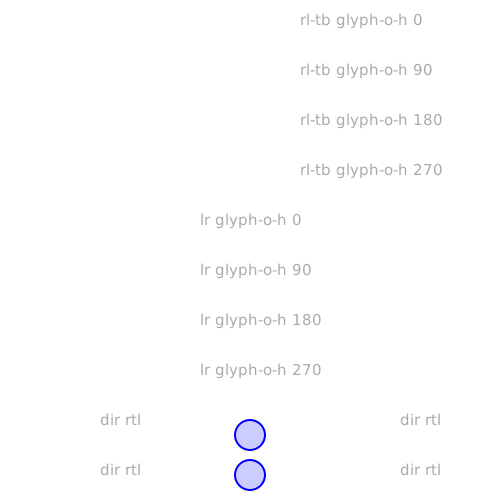
testing writing-mode rl-tb, glyph-orientation-horizontal,
unicode-bidi, direction:
With the blue buttons the font-size or the font-family can be animated (see title elements). Errors depend on the font-family.
Only generic font-families are used.
Comment: compare with the behaviour of the adobe plugin. I think it is correct except the fact, that the adobe plugin ignores several generic font-families. bug-223007.
fixed in Opera10.50pre alpha (6177)
Severity: specification violation SVG 1.1 full or basic (regression compared to Opera9tp1 build 1428).
Description: Wrong display of dashes in a masked path. Worked already in Opera9tp1.
Example:
stroke-dasharray and masked path:
Note, that stroke-linecap is butt for the stroked path.
Even if linecaps are applied to the end of dashes, butt is
not round. This seems to be somehow inherited from the
mask, but there is no reason to do it, because the path
in the mask has no stroke-dasharray and there is no
reason for inheritance from or into a mask referenced
with the mask attribute. The mask just rounds the
caps of the complete path.
Animation of stroke-dashoffset and of
stroke-dasharray with a click on the blue buttons is
just added to see the general behaviour for different
values of dashing.
Comment: bug-219441.
Severity: specification violation SVG 1.1 tiny (regression compared to Opera8).
Description: text x and y animations are not additive. Different errors in different versions of Opera9 - either the lower priority animations are ignored or the higher priority animations are ignored as in Opera9.00.
Example:
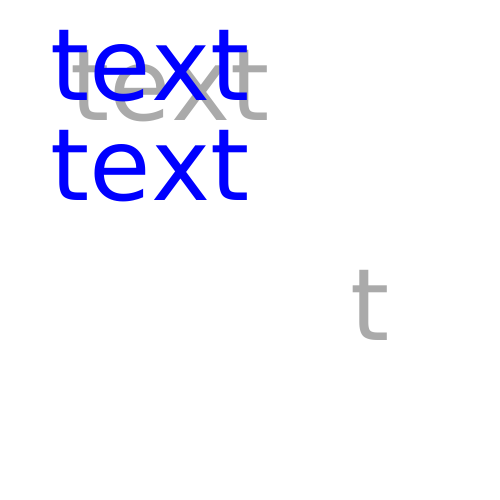
additive animations of x and y of text:
Two from to animations are added with additive sum for
x and y of text. The visible result is that the blue 'text'
covers exactly the red 'text' without any visible animation
effect. If something red is getting visible, an error occured.
Note that x and y for each glyph are of the type coordinate. And this type supports additive animation.
Comment: works with the adobe plugin and with Opera8 (not under all conditions, but for this example). bug-216720.
fixed in Opera10 alpha 1 (4102)
Severity: specification violation SVG 1.1 basic or full (regression compared to Opera 9tp2).
Description: Opera9 later builds as tp2 ignore transformed views as a target of an a element. Regression compared to Opera 9tp2. Wrong behaviour and strange residuals in Opera9.50 alpha.
Example:
referencing a transformed view:
Four transformed views are given directly with SVG specific fragment identifiers
as targets of an animated xlink:href attribute
of an a element. Colours are changed just to give a timing.
Click on the circle to see the target view. bug-211239
Severity: specification violation SVG 1.1 tiny
Description: Opera8 and Opera9tp1 do not animate animateTransform using to, wrong animation in Opera9tp2, different wrong animation in Opera9beta1 and later versions.
Example 1:
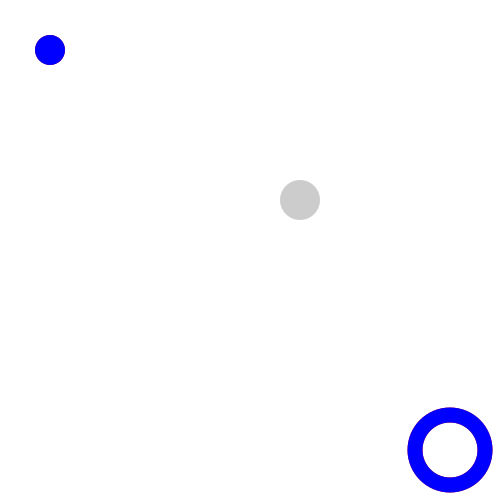
animateTransform using to:
Two blue circles are moved to one position marked
with a gray circle, using animateTransform with to
for a translation to the absolute final value.
Two red circles are animated as simple references just
for comparison. If the red circles become visible,
the animation of the blue circles is wrong.
Note that to animations have a special additive
behaviour, defined in detail into the SMIL
recommendation, which overwrites die additive
attribute. Opera does something different and
uses the value of the additive attribute somehow.
Ok in Opera9.50 alpha.
Example 2:
animateMotion using to:
similar as example 1.
Example 3:
animateTransform using to:
A blue square and a test text are transfomed with a matrix.
After 3s an animateTransform with a scale to -1,1 and
a duration of 10s and calcMode linear is applied to the group.
This means, after 3s the group morphes to a mirrored
group continuously.
matrix itself is not animatable, but it is the initial
value for the animateTransform.
If a red group becomes visible, an error occured.
The problem with this example is, that in the SVG specification it is not mentioned,
that the type matrix is animatable, unfortunately this seems to be needed to get the
correct result in general. Of course for this example it is simpler, because the initial
transformation is just a scaling.
To get the to-animation correct, a special rule has to be used.
If C(t) is the current transform matrix and T the to value of the
animation represented as a matrix, t the time, d the duration, the Opera can use additive replace and the following transform matrix for a to-animation:
C(t) + (T - C(t))* t/d.
In many cases it is possible to define this as a multiplicative
matrix with additive sum too, but then the inverse matrix
of C or T has to exist. Just for scaling the inverse of T
exists not alway, this happens, if the scaling factor for x
or y is zero. Therefore the formular above is much simpler.
If C(t)-1 exists, the
following formular can be used for an additive sum animation
(I is the identity transformation):
I* (1-t/d)+ C(t)-1F*t/d
If F-1 exists, F can be used as the
initial value and the formular is:
I * t/d + (1- t/d) F-1C(t)
Comment: This example is wrong in the adobe plugin too, it trys a discrete animation with the
correct final value and crashes a moment later.
bug-212137.
Another unsolved problem without any changes since Opera9tp1 with to-animation is 2005-10-18:01 (bug-185982).
partly fixed in 9.50 alpha (build 1567)
Severity: specification violation SVG 1.1 basic or full.
Description: Opera9 beta1 and later builds has a wrong interpretation of the dx and dy attributes for text. If a list is used, the values are not incremental, the are used for each glyph relative to its initial position and not incremental or relative to the current text position. Linear animation is misinterpreted as discrete animation.
First Example:
animated dx and dy attributes for text:
dx and dy attributes are set from 0 to 40 after 3s for the top text.
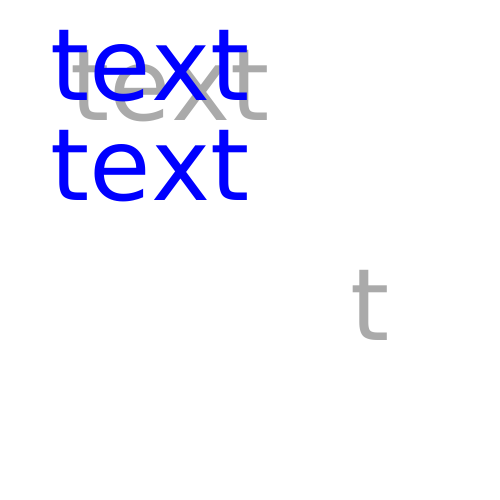
dx and dy attributes are set from 0 to 40 60 80 100 after 3s for the bottom text.
The gray 'text' displays the correct final position of the top text, the gray 't'
displays the final position of the last t of the bottom 'text'.
Ok in Opera9.50 alpha.
Second Example:
animate dx and dy attributes for text:
dx and dy attributes change continuously from 0 to 40 in 5s for the top text.
dx and dy attributes change continuously 0 to 40 60 80 100 in 5s for the bottom text.
This means, the first text moves a little bit right down.
In the second text each glyph moves a little bit right down relative
to its predecessor.
The gray 'text' displays the correct final position of the top text, the gray 't'
displays the final position of the last t of the bottom 'text'.
Discrete animation in Opera9.50 alpha.
Comment: Opera9 interpretes this attributes since tp1 in this way, before it was ignored, but from Opera 9 beta1 a correct interpretation of these basic attributes can be expected. Correct display with the adobe plugin, no interpretation for lists with KSVG1. bug-205738 (just for text).
partly fixed in 9.50 alpha (build 1629), fixed in 12.11
Severity: specification violation SVG 1.1 tiny.
Description: Opera8.x ignores the foreignObject, Opera9 does not show the content of foreignObject but animates it since Opera9tp2. Build 256 does not show anything and does not animate.
Example:
foreignObject element:
animate animation of specific attributes
of the foreignObject element. The foreignObject
contains a small XHTML document containing a small blue circle
from SVG.
x and y change from 500 to 100 in 10s.
width and height change from 400 to 700 in 10s.
The initial dimensions of the foreignObject are given with a
light gray stroked rectangle, the final dimensions are given with a
dark gray stroked rectangle.
9.50 alpha (build 1629) displays and animates the XHTML, but does not
display the SVG inside XHTML.
Comment: Note, that the doctype is for XHTML+MathML+SVG because as far
as I know, it is not possible to generate a valid document with another doctype.
Anyway foreignObject is defined for SVG tiny.
What should happen, depends on the xhtml abilities of the user-agent. If it knows xhtml, it should display
both xhtml and the circle from SVG, if not, it should display the circle as a minimum.
The animation is applied to the foreignObject. This moves the circle and the xhtml as a visible effect.
The animation of the foreignObject is ok, if the SVG circle is visible and moves.
Related bug number from opera forum for another example (not send by me): bug-205048
Severity: Regression of 181, 197, 225, 229, 236, 256 compared to 1670 and older and specification violation SVG 1.1 tiny.
Description: Wrong close path behaviour with closed subpaths and stroke-dasharray.
Simple examples:
two rectangles as two closed subpaths
A path is composed out of two closed supaths, representing
two squares.
This works without stroke-dasharray, but with stroke-dasharray Opera9
(builds 181, 197, 225, 229, 236 fail, ok up to 1670, which have other errors
explained in other errors reports) presents something different.
If something red is getting visible, an error occured.
Looks like a wrong close from the second z to the first
M, ignoring that this path contains two subpathes, each
of them closed separately. Note that stroke-dasharray is
only a stroke pattern, this means, it is not possible that
it is outside the stroke.
bug-203951
almost fixed in build 272, fixed in 12.11
Severity: Specification violation SVG 1.1 tiny.
Description: Opera 8.x and Opera 9tp1/2 up to build 256 do not animateColor with calcMode paced. Minor error in builds since 320.
Example:
animateColor and calcMode paced
The colour of a circle is animated with several
values. The duration is 10s and
the calcMode is paced, this results
in a slow change of colour from green to red to blue.
The colour of the stroke is animated with the
same values, but with keyTimes, resulting in the
same visual effect, therefore there is not visible
difference in the colours of fill and stroke.
The small circle bottom right shows a linear
animation with the same colours for comparison -
should be different except in some certain points in
time. OK since Opera 9 build 272.
Second example:
animateColor and calcMode paced
The colour of a circle is animated with several
values. The duration is 10s and
the calcMode is paced, this results
in a slow change of colour from green to red to blue.
The final value of fill is frozen and the same as for
stroke. Opera since build 272 freezes to a wrong final value.
Comment: The adobe plugin ignores the calcMode paced. bug-201913.
fixed in Opera11.50
Severity: crashes Opera9tp2, specification violation SVG-tiny. beginEvent crashes Opera 9.50 again...
Description: Opera9tp2 crashes with repeatEvent, beginEvent, endEvent. Other versions ignore these events.
Simple examples:
crash Opera9tp2 with repeatEvent
(show source code). (ok since Opera 9.50 alpha)
crash Opera with beginEvent
(show source code).
crash Opera9tp2 with endEvent
(show source code). (ok since Opera 9.50 alpha)
If something red appears, the animation is wrong, for example because the events are ignored.
Comment: Reported to Opera as bug-196701 (only for repeatEvent).
Severity: Specification violation SVG-tiny.
Description: Opera9tp1/2 and later builds and Opera 8.x do not paint a path of length zero with line-cap round. See explanations for stroke in the SVG specification for the painting of such a path.
Simple example:
painting a path of length zero.
A path with length zero has to be painted as
a circle, if stroke-linecap is round.
The blue paths cover the red circles completely.
Comment: No problem with the adobe plugin, partly correct with Konqueror, and wrong with
Opera9tp1, Opera8.x, the Geckos like
Mozilla, SeaMonkey, Firefox etc, Gimp, Imagemagick and Inkscape.
Reported to Opera as bug-196705.
Severity: Specification violation SVG-tiny
Description:
Opera9tp1/2 and later builds and Opera8.x have a wrong rendering of basic shapes, which
becomes visible, if stroke-dasharray is applied to a basic shape.
At the initial and the final value of the path of the most basic shapes there is an additional
gap as error if stroke-dasharray is applied to the basic shape.
Often it is not very important, where the rendering of a basic shape
is started and where it ends, but of course for stroke-dasharray and
related properties it gets important. Therefore it is exactly defined
in the specification, which path represents a basic shape.
Simple examples:
stroke-dasharray rendering of a
rectangle.
The shape of the rectangle is given in red.
For a rectangle (with rounded corners) rendering starts with the
horizontal part at the top, marked here with a green arrow on a
green dash. The path end is marked with a magenta arrow on a
magenta dash. Note that there is no gap or overlap between
the green and the magenta dash.
The rendering of Opera goes from the final to the initial value of the
path and an additional gap becomes visible between these two values.
KSVG has the same errors, correct display with the adobe plugin.
The gap error occurs with serveral other user agents too, often the
path is correct, but not with all.
stroke-dasharray rendering of a
circle.
The shape of the circle is given in red.
For a circle rendering starts at the '3 o'clock' position, goes down to
6 and proceeds to 9 and forward to 12 and finally from 0 to 3 again.
The begin is marked here with a green arrow on a green dash.
The path end is marked with a magenta arrow on a magenta dash.
Note that there is no gap or overlap between the green and the
magenta dash.
The rendering of Opera goes from the final to the initial value of the
path and an additional gap becomes visible between these two values.
The adobe plugin has no gap, but the wrong initial point. KSVG has the
correct path, but the additional gap, the same for sodipodi and inkscape.
stroke-dasharray rendering of an
ellipse.
The shape of the ellipse is given in red.
For a circle rendering starts at the '3 o'clock' position, goes down to
6 and proceeds to 9 and forward to 12 and finally from 0 to 3 again.
The begin is marked here with a green arrow on a green dash.
The path end is marked with a magenta arrow on a magenta dash.
Note that there is no gap or overlap between the green and the
magenta dash.
The rendering of Opera goes from the final to the initial value of the
path and an additional gap becomes visible between these two values.
The adobe plugin has no gap, but the wrong initial point. KSVG has the
correct path, but the additional gap, the same for sodipodi and inkscape.
stroke-dasharray rendering of a
polygon.
The shape of the polygon is given in red.
The begin is marked here with a green arrow on a green dash.
The path end is marked with a magenta arrow on a magenta dash.
Note that polygon is a closed path and the magenta dash is much
longer than needed to cover the stroke-linejoin and the green dash has
a stroke-dashoffset long enough to cover the stroke-linejoin.
As far as I know, it is not defined, if the stroke-linejoin belongs to the
initial part of the path or the final, but maybe it would look
most suitable, if the stroke-linejoin is shared symmetrically between
the initial and final part. Alternatively and maybe easier for rendering:
The z command is at the end of the path, therefore the stroke-linejoin
can be completely painted at the end after the final value.
Here Opera has only the problem of the additional gap instead of
a stroke-linejoin with the z command. Similar problems with KSVG,
adobe plugin and other user agents.
Reported to Opera as bug-187204. Since Opera 9tp2 the rendering direction is correct, but there is still a gap at the end of the closed paths.
Severity: Specification violation SVG-tiny
Description: Opera9tp1/2 and later builds and Opera8.x interprete dashes of the paint property stroke-dasharray as subpathes and not as a pattern, leading to a wrong rendering of stroke-dasharray dashes and gaps.
Simple example:
rendering of the stroke-dasharray.
stroke-dasharray controls the pattern of dashes and gaps used to stroke paths.
dasharray contains a list of comma-separated lengths that specify the lengths
of alternating dashes and gaps.
Because dashes and gaps are defined as pattern, and not as subpaths, stroke-linecap
has not to be applied to the dashes or gaps, and dashes and gaps are just a
(one-dimensional) pattern inside the stroke and not outside.
The lengths of each dash and each gap is exactly
defined in the given list. Because it is a pattern, it will be repeated forward and backward
along the stroke an its linecaps.
For the red circle this means, nothing is outside the shape marked with thin black strokes.
In the center of the stroke, the dashes and the gaps both have a length of 100 and gaps
and dashes have the same shapes and sizes.
For the rectangle this means, the gaps are clearly visible and have the same length 100
as the dashes.
For the line this means, the linecaps are round, not the dashes themselves.
Depending on the stroke-dashoffset the linecaps might be not visible, because the
pattern in this area is a gap, but this can be controlled by the author with stroke-dashoffset.
The caps of the dashes and gaps are straight lines perpendicular to the stroke-direction given
by the path of the shape. Other caps for dashes or gaps are not defined in SVG 1.1 (both mobile or full).
If needed, this has to be added in a future version of SVG for example as stroke-dashcap, stroke-gapcap,
stroke-dashbegincap, stroke-dashendcap, stroke-gapbegincap, stroke-gapendcap
or maybe better stroke-dashpattern, in parts this is maybe already covered by the pattern element
(not part of tiny), which can be applied to the stroke in SVG 1.1.
Workaround for this simple example to show how it should look like: workaround.
Note, that there are additional errors, in parts not
directly visible in the example, but corrected here too -
use of the correct path for the rect and add the missing
bevel corner top left; use of the correct path for the
circle (therefore we have to go away from svg-tiny).
See comments in the source code for details.
Correct display of the workround for example with Opera, KSVG1, adobe-plugin, inkscape, imagemagick,
sodipodi.
Comment: Slightly different errors in KSVG 1 and the adobe plugin and many other user agents,
the circle is correct with inkscape, the rectangle almost correct with inkscape, which has unfortunately
the same error as Opera, already noted below as 2005-11-10:01, the dasharray itself is correct for the
rectangle, for the line it is wrong too for inkscape.
Reported to Opera as bug-186670.
Severity: Specification violation SVG-tiny
Description:
First problem: Opera 9tp1/2 and later builds and Opera 8.x display wrong pathes
for the begin of the initial and the end of the final part of the path of
quadratic and cubic curves.
Second problem: slopes in cubic pathes are displayed as corners. Together
with a wrong interpretation of the stroke-linejoin this causes wrong rendering
of the slopes.
First simple example for the first problem:
path rendering cubic path.
The cubic paths show the same continuosly differentiable path,
just the stroke-width differs. The initial and final points in the paths
are the same and the derivation at this points too.
Because the connection from the end point to the start point is
continuosly differentiable and this points are the same, it is
not necessary to finish the d attribute value with z to close the path.
Note, that the derivation of the red path is in the start and
end point perpendicular to the x-axis. This means, in both
cases the stroke starts exactly in y-direction and ends exactly
in the y-direction and in both cases the stroke-with is aligned
exactly in the x-direction. In this point additionally there are
no edges or corners, because the given curve is closed and
continuosly differentiable.
With Opera the paths are not closed, this looks like a wrong determination
of the derivation at the begin and at the end of the path and causes a
cascade of further problems, for example with stroke-dasharray, stroke-dashoffset
and with animation of this properties, whereat this problems are not easy to
correct as for this example (unfortunately I started at an end of the problem cascade
and had a long way to this cause).
Second simple example for the first problem:
path rendering quadratic path.
Comment: This is displayed correct with KSVG, the adobe plugin, inkscape, amaya (which has other nasty problems with cubic paths) and imagemagick. Gimp, sodipodi, gecko/librsvg have the same error as Opera.
Simple example for the second problem:
rendering of slopes of a cubic path.
A closed continuosly differentiable path is shown
(the circles are the control points). Therefore this
path does not contain any edges or corners, just
some slopes. The thin red line give the original path
(mainly visible with magnification),
for the same shape the stroke-width of the path is animated
for the blue one within 50s. After 50s the stroke-linejoin is
set from miter to round, after another 50s back to miter.
Both animations are repeated.
Because the path is continuosly differentiable and has no
corners and edges, the change of the stroke-linejoin cannot
have a visible effect on the presentation.
In general even if the path would be not continuosly differentiable
corners can only appear at the end points of the bezier curves, marked
with yellow circles. There is one exception for cubic paths - if a slope is
degenerated to a cusp, this is a not continuosly differentiable point and
therefore this is an edge or corner. But the path in this example does not
include any cusps.
Opera shows edges and corners instead of slopes.
Comment: The best rendering for this example is similar to a rounded end of the slope, with the adobe plugin and
sodipodi this looks already very good, for the given example I cannot recognise, if they render
the slope complete correctely or only as a round end.
Many others use something similar to a bevel and a few
use something like miter as Opera, which gives the worst result.
Reported to Opera as bug-186475.
Severity: Specification violation SVG-tiny and SMIL animation
Description: Opera 9tp1/2 and later builds, 8x have a wrong interpretation of the additivity of animation with just a 'to' attribute, Opera 8.x in general, Opera9tp1 just in combination with fill freeze for the higher priority to animation. For the correct behaviour SVG specification points to SMIL animation recommendation, giving a special default behaviour for such animation, which overwrites the additive attribute. Opera 8.x seems to use additive="replace" as default. This is wrong, for this special case additive="sum" is incorret, too, see recommendation. With Opera9tp1 fill freeze for the higher priority to animation does not freeze the complete values, looks like a freeze of a lower priority animation. Similar animations with animateTransform and animateMotion still completely wrong.
Simple animate example: two to animations.
Test of the correct additive default behaviour of to animations.
A circle moves on a quadratic path using two to animations for cx and
one simple for cy. The animation for cy and the first to animation for
cx is repeated two time, the second to animation for cx just 1.5 times.
Note that the second to animation is frozen on the
have way. Because it has higher priority, the whole animation in cx
is frozen.
The path is given in gray for comparison, thin line for the first turn,
thick line for the second turn.
If the red center of the circle becomes visible, an error
occured.
If t is the time, d the duration and i the initial value, a(t) is the animation function of the
first to animation with the final value a and b(t) the animation function of the second
to animation with the final value b, die overall animation function f(t) is:
a(t)=i + (a - i) t/d
f(t) = a(t) + (b - a(t)) t/d
If the second to animation is frozen, the whole f(t) is frozen, see SMIL animation
recommendation for details.
Simple animateTransform example: animateTransform and to animation.
Simple animateMotion example: animateMotion and to animation.
Simple animateColor example: animateColor and to animation. Changes from blue to green in 4s, back to blue in another 4s and stopping after further 4s with green. Note, that color values outside the range 0 to 255 have not to be corrected within the animation calculation, just the current value for presentation has to be corrected. Anyway, if the animation is correct, there is no value outside the range 0 to 255.
Comment: fails for Adobe, Opera and KSVG.
Reported to Opera as bug-185982.
Severity: Specification violation SVG-tiny
Description: Opera 9tp1/2 and later builds, Opera 8x ignore wallclock values for begin and end
Simple example: analogue clock with local time. Opera ignores a wallclock value for begin and therefore does not animate the clock.
Comment: Ignored completely by KSVG 1, Opera and adobe plugin.
Reported to Opera as bug-186671.
Severity: Specification violation SVG-tiny
Description: Opera 8.01/8.02/8.50 have fragmentary support of font-weight-attribute and do not animate it. Opera 9tp1 and later builds animate it, but do not support all font-weights.
Simple example: font-weight for text-elements.
'Text' is shown thirteen times with different values of the font-weight attribute and with different
colors. Top left shows the values normal (red) and lighter (blue). Of course, if the font-weight
is lighter, it should not cover the normal completely, but this does Opera.
Top right shows the values bolder (red) and bold (blue). Of course, if the font-weight
is bold, it should not cover the bolder completely, but this does Opera.
Bottom shows all numbers for font-weight with a large font-size. It starts with 900 (red) and
every 2 seconds it is displayed a font-weight of 100 less (magenta, blue, cyan, green, yellow, white, gray black).
Anyway at the end, it should be possible to see all colors, because of the different font-weights, but
with Opera you can just see cyan and black. This means for Opera: 900 = 800 = 700 = 600 and
500 = 400 = 300 = 200 = 100? Sounds like nonsense.
Does it animate itself? In principle: yes. But not in Opera8, this is another error. You can see it top right: 'A?' should change the font-weight from 100 to 900 after 3 seconds - but nothing happens.
Comment: KSVG 1 has similar problems with the difference between several font-weights, but the animation works. The adobe plugin knows just one font-weight and is not able to animate it. Opera 9tp1 animates, but some font-weights are the same as with KSVG 1.
Severity: Specification violation SVG-tiny
Description: Opera 8.01/8.02/8.50 and Opera9tp1 do not support the font-style attribute and do not animate it. Opera 9tp2 and later builds animate, but there is no difference between italic and oblique.
Simple example: font-style for text-elements.
From top to bottom it is shown normal, italic and oblique. The shown styles are always the same
and not the same as in xhtml/css: font-styles in xhtml/css.
Why?
The large T and e show the difference between italic and oblique (T red oblique behind black italic,
e red italic behind black oblique).
Does it animate? In principle: yes. But of course not in Opera8, this is another error. You can see it bottom right: 'Animation?' should change the font-style from oblique to normal after 2 seconds and then to normal after another 2 seconds.
Comment: It does not work in the adobe-plugin, too. But with KSVG 1 it works almost correct and with animation. Only oblique and italic seem to be nearly the same for KSVG 1.
partly fixed in
build 344 (already very useful)
Severity: Specification violation SVG-tiny.
Description: SVG-tiny allows interactivity with declarative animation. For example with attributes like begin="accessKey(b)" and end="accessKey(e)" id should be possible to start and stop an animation. This does not work with Opera 8, wrong with Opera 9tp1/2 and later builds.
Simple example: activation of a declarative animation. b should begin the animation and e should end. Access key with xhtml works in opera with the following operation: first use together shift+esc, second press the desired key (check on this page with keys b and e) - but no reaction with svg! Anyway, in SVG it has to work without additional keys!
Comment: Works again fine with adobe-plugin, but not with Opera8. If the circle is clicked, it is
possible to start the animation with Opera 9tp1, but not to stop. Just a very small progress, far
away from correct. Since build 344 (Opera9.00) it works as for xhtml with shift+esc. Then a menu gets
visible, which keys are available.
Reported to Opera as bug-174505.
Severity: Specification violation SVG-tiny.
Description: SVG-tiny allows interactivity with declarative animation. For example with attributes like begin="id1.activate" and end="id2.activate" id should be possible to start and stop an animation. This does not work with Opera 8, Opera 9tp1 and later builds.
Simple example: activation of a declarative animation.
Workaround for this simple example to show how it should look like: animated workaround
Comment: Works again fine with adobe-plugin, but not with Opera8.
Reported to Opera as bug-174503.
Hint: If this error ist corrected, check if something like begin="id1.activate+3s; id1.click+1s" and end="id2.activate+3s; id2.click+1s" works or confuses the browser, too. Maybe there are other problems with other events like focusin, focusout, mousedown, mouseup, mouseover, mousemove, mouseout. I did not check them.
title displayed as tooltip since build 272, if there is no further title in an embedded
element, desc still not accessible.
Severity: Specification violation SVG-tiny.
Description: In SVG title and desc are the most
important elements for a good accessibility
and for general explanations of complex graphics.
In the SVG 1.1 specification it is not specified, how they should be displayed, but their content should
be accessable for the user in a comfortable way. Each SVG-document may
contain several titles and descs. The desc element should be available as an alternate text view to the
graphics respectively fragment. It is not displayed directly in the image, but alternatively or on demand.
Container-elements like g or graphics-elements can contain title and desc to
explain the function or as a non graphical replacement of the element or the group of elements.
Opera 8.x and Opera 9.x just show the first title of the document and no desc-element.
Since Opera 9, build 272 the title for an element is displayed as tooltip, but not for example for groups,
if the embedded elements contain themselves titles.
Note that in this document the title-tag shown as caption from Opera belongs to the
first rectangle for the background color and not to the svg-tag as the
outermost container (corrected in build 272).
Inner titles are shown in build 272 like the title-attribute in XHTML, others displays are possible too,
this is free for the creativity of developers. Description could be
available maybe in a first step with an additional list point in the menu, that shows
up, when the right mouse-button is used within the area of the graphics or container-element.
According to the painters model only the title and desc of the top object should be shown in such
a graphical and interactive environment.
Because desc is mainly alternate content, it is enough to have this accessible, just for the
alternate text view, but if just the titles are available with the mouse, authors may put some
more information into the text-element as useful for a title, this can be avoided, if the
desc is available similar to each title element.
Simple example: SVG-document with several titles and descs.
As a workaround until this problem is solved, it can be useful simply to link a structured XHTML-document with marked up text of titles and descriptions. Anyway, XHTML ist much more useful for text than SVG: workaround for invisible title and descs, just click on the background and you will get text with XHTML.
This might be a useful display of inner title and desc elements as an alternate text-view of the image. Therefore the user agent has to generate a structured output according to the parent and child structure of the related elements, but this should be not additional problem, because the user agent has to analyse the structure anyway for the display of the image.
Comment: To be fair, in later specification titles and decriptions may be restricted to a maximum
of one per element. Authors should place title and description at the top inside the according
element to aviod confusion. But the user-agent has to understand the structure of the document
anyway to be able to render it correctly.
Maybe Opera just has to show descriptions in an additional tab as simple text as an alternative presentation
of the document and title and desc both as tool tips for the rendered version.
Amaya 9.51 has already a very good support of desc elements (and good for titles too) -
they are accessible with an alternate view.
Squiggle 1.7 interpretes at least title and desc for the related element, displaying them as tool tips.
The KSVG behaviour is confusing, it displays just the last title and a short description, but not other
titles and descs. But with an alternative view Konqueror can show all titles, descs and text
without graphics. This is the best I have seen for this elements up to now.
The Adobe-plugin in Konqueror shows no title and no description, the same
for SVG-mozilla even with several extensions for better accessibility - but up to now not
available for SVG-documents.
Reported to Opera as bug-174502. No progress in Opera 9 up to build 272 - this displays the title-element
similar to a title-attribute in XHTML, but the desc-element is not accessible.
Opera8 support for HTML and XHTML is already very good, but changing vom Opera7 to Opera8 I was
a little bit disappointed, that there seems to be no progress in removing the few maybe last very annoying
errors of Opera - especially the full support for the link-element as available in mozilla and lynx already for years.
:-(
The errors here are mainly related directly to elements or attributes used on this page. Only if this errors are
fixed, Opera will be able to display this page in a complete and useful way.
fixed in 9.50 alpha (build 1567)
Severity: Specification violation of HTML4.01, XHTML1.0, XHTML1.1. Seems to be OK with HTML3.2, maybe not
for HTML2.
Description: Opera 8.x, 9.0x, 9.1x, 9.2x ignore values for rev- and rel-attributes of link-element as given in specification.
But Opera supports some values, not given in the specification, similar to author-defined values. These are "last", "up", "author". In Opera 9.50 alpha link elements are available now, but this is well hidden - use the info button in the panels called bar (View -> Toolbars -> Panels -> Info). This is not very ergonomic and can be improved, but now link elements are accessible in Opera too.
Simple example: document with link-navigation
Another example: this document itself.
Comment: Many browsers have problems with the link-element in general and especially with
many values and space-separated lists of values. They should already be able to interprete this
element since html2, this means ignoring the specifications for more than 10 years (congratulations!).
Mozilla interprets it complete, including space-separated lists, hreflang-attribute and author-defined values.
The same engine in Firefox is just able to do almost the same with a special extension - this is almost
the same as to offer a car with the steering-wheel just as an extension - it is ridiculous. Lynx interpretes
links, but not space-separated lists of values and knows no meaning of links, given by the value itself but
it shows the title-attribute instead. ELinks manages the link-element complete.
Opera 7, 8, 9 are able to interprete parts of the values, but
ignores them, when it is getting interesting like with chapter, section and subsection. Konqueror and
microsoft internet explorer ignore the link-element if not used for style-sheet.
Early complete support of the link-element maybe would have avoided the silly table-design as seen
up to now on many webpages with authors beeing not able to use CSS and (X)HTML
in a useful way. With the
link-element it would have been possible to move the whole navigation to a link-navigation-bar of
the browser ten years ago and every author and user would have known, how to use it. Now not
even in Mozilla it will be used often, because for other browsers other navigation has to be offered.
It is late, but hopefully not too late to use it in the future, if supported by browsers, who try to interprete
(X)HTML correctely.
For example in this document the ul-list with a-elements could have been completely skipped,
because it is already there as link-menu.
Reported to Opera as bug-174949 (duplicate of bug-128991).
Severity: Specification violation of html4.01, xhtml1.0, xhtml1.1.
Description: With the elements del and ins it is possible, to mark corrections in xhtml. Opera shows this as line-through and underline. But Opera ignores the datetime and cite attributes of the ins-element.
Example: Dr. h.c. rer.nat. Hoffmann
Somehow datetime="2005-08-22" cite="#b2005082202" should be accessable,
for example similar to the display of a title-attribute: Dr. h.c. rer.nat. Hoffmann
Mozilla already displays this, but a little bit hidden. If the users clicks on an ins-element with the right mouse button, it is accessable as 'properties'. bug-127295 (only cite).
Severity: Specification violation of html4.01, xhtml1.0, xhtml1.1.
Description: With the cite-attribute of a blockquote oder q element it is possible to offer the source of a citation. Opera ignores this attribute.
Example:
(Ich bin)
Ein Teil von jener Kraft,
Die stets das Böse will und stets das Gute schafft. ...
Ich bin der Geist, der stets verneint!
Mephistopheles, Johann Wolfgang Goethe (Faust I, Studierzimmer, 1335ff)
The cite-attribute could be displayed similar to a title-attribute:
(Ich bin)
Ein Teil von jener Kraft,
Die stets das Böse will und stets das Gute schafft. ...
Ich bin der Geist, der stets verneint!
Mephistopheles, Johann Wolfgang Goethe (Faust I, Studierzimmer, 1335ff)
Comment: For blockquote the title attribute seems to be ignored, too (title attribute works in Opera 9tp1 but for the error no progress). Mozilla already displays cite attributes, but a little bit hidden. If the users clicks on an cite- oder blockquote-element with the right mouse button, it is accessable as 'properties'. bug-127295.
Dr. O. Hoffmann
Examples and Tests for SVG animation
German web-page